ProgMtl
10+ year member
CarAudio.com Elite
This procedure looks slightly different:
To reset the code do the following:
1) Turn on the car.
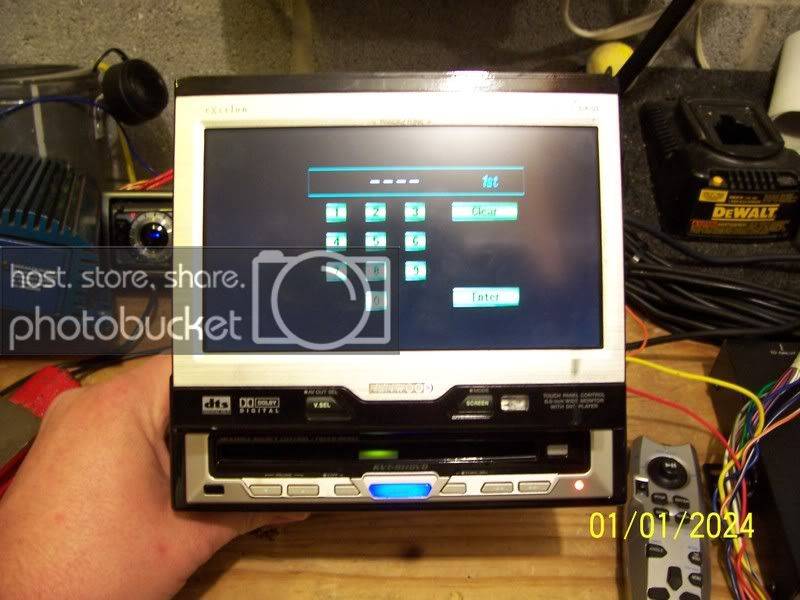
2) The faceplate rotates out and the CODE - - - - prompt appears.
3) Press >>| and Auto keys simultaneously on the faceplate and hold for 4 seconds. (If the faceplate rotates back into the console push on the upper left top edge of the faceplate and it will flip back around. Press the Eject button and then try it again.)
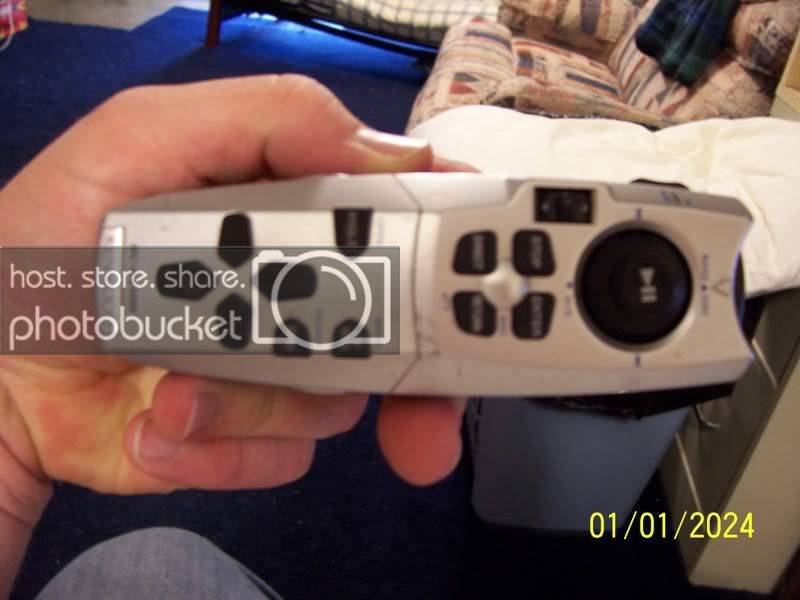
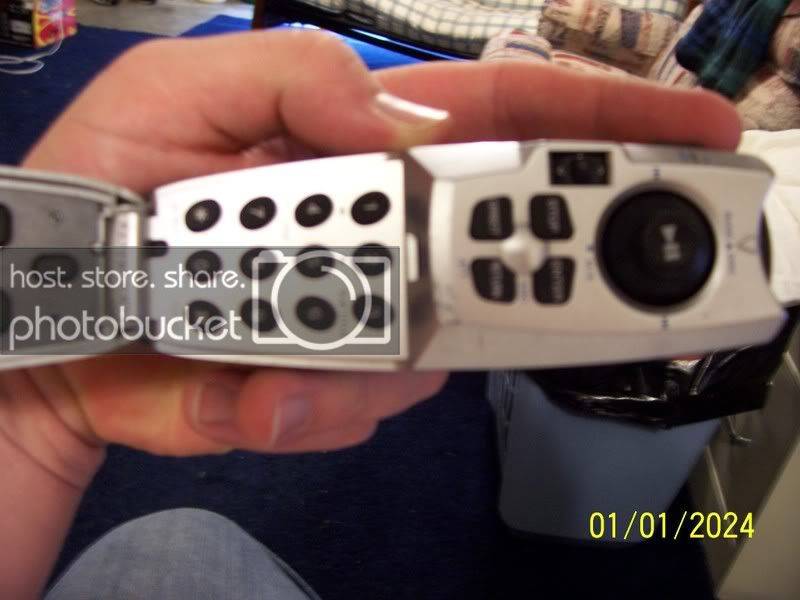
4) The screen will still say CODE, but the - - - - will disappear! When this happens press the 5 key on the remote twice and it enters a K on the display on the faceplate. Hit the >>| key on the faceplate.
5) Press the 2 key on the remote three times and it enters a C on the display on the faceplate. Hit the >>| key on the faceplate.
6) Press the 2 key on the remote once and it enters an A on the display on the faceplate. Hit the >>| key on the faceplate.
7) Press the 7 key on the remote twice and it enters an R on the display on the faceplate. Hit the >>| key on the faceplate.
8) The radio goes into All Off mode and you are set! Hit the SRC button on the faceplate to select CD, Radio, etc.
To reset the code do the following:
1) Turn on the car.
2) The faceplate rotates out and the CODE - - - - prompt appears.
3) Press >>| and Auto keys simultaneously on the faceplate and hold for 4 seconds. (If the faceplate rotates back into the console push on the upper left top edge of the faceplate and it will flip back around. Press the Eject button and then try it again.)
4) The screen will still say CODE, but the - - - - will disappear! When this happens press the 5 key on the remote twice and it enters a K on the display on the faceplate. Hit the >>| key on the faceplate.
5) Press the 2 key on the remote three times and it enters a C on the display on the faceplate. Hit the >>| key on the faceplate.
6) Press the 2 key on the remote once and it enters an A on the display on the faceplate. Hit the >>| key on the faceplate.
7) Press the 7 key on the remote twice and it enters an R on the display on the faceplate. Hit the >>| key on the faceplate.
8) The radio goes into All Off mode and you are set! Hit the SRC button on the faceplate to select CD, Radio, etc.