IDSkoT
5,000+ posts
Resonating Reticular
None at all. Did you have a Master-Slave IDE cable hooked up to your original Harddrive?No need to make it external. I only use it for the desktop.
Any harm on just keeping it in my computer tower?
Like this:
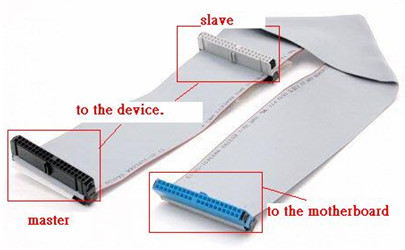
If not, and you want to access that HD regularly, you should go buy one. They're probably dirt cheap at this point. I have one that has a sleeve around the ribbon so it takes up less room for better air flow. But... odds are your computer doesn't run as hard as mine.
EDIT:: If you do this, take out your HD and on the back, next to the Molex male, there should be a few rows of small pins.
It should look like this:
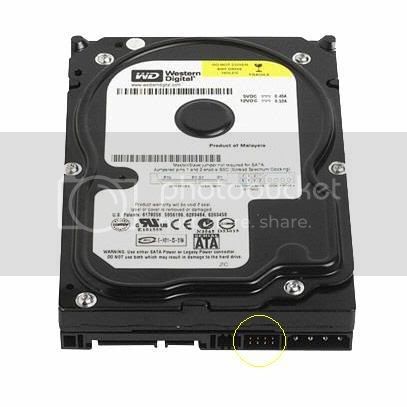
Some HD's have more rows... but it's about that size. It should have a small piece that extends vertically if the HD is flat. On the top of the HD, it should have a diagram...
There are three ways I've seen them displayed...
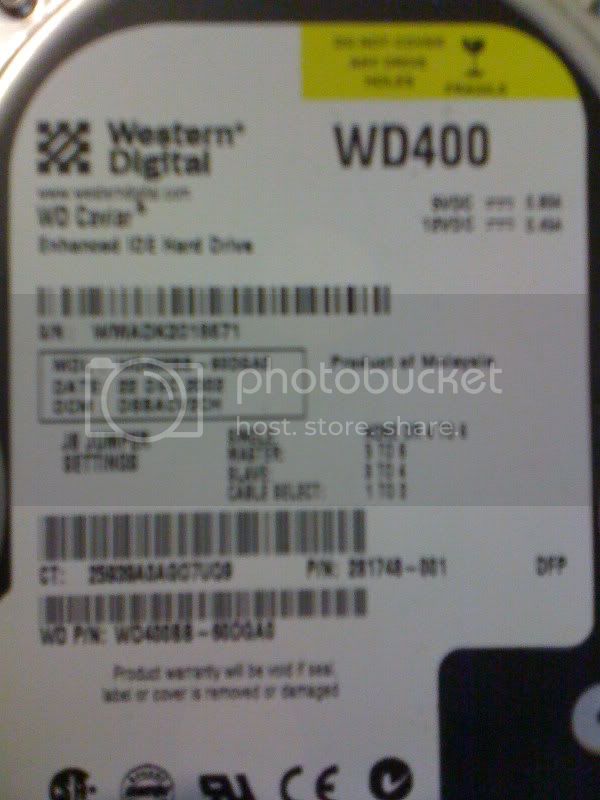
Here are some pics I snapped of some spare HDs I have laying around with the three ways I've seen:
The easiest (and I think most common way...
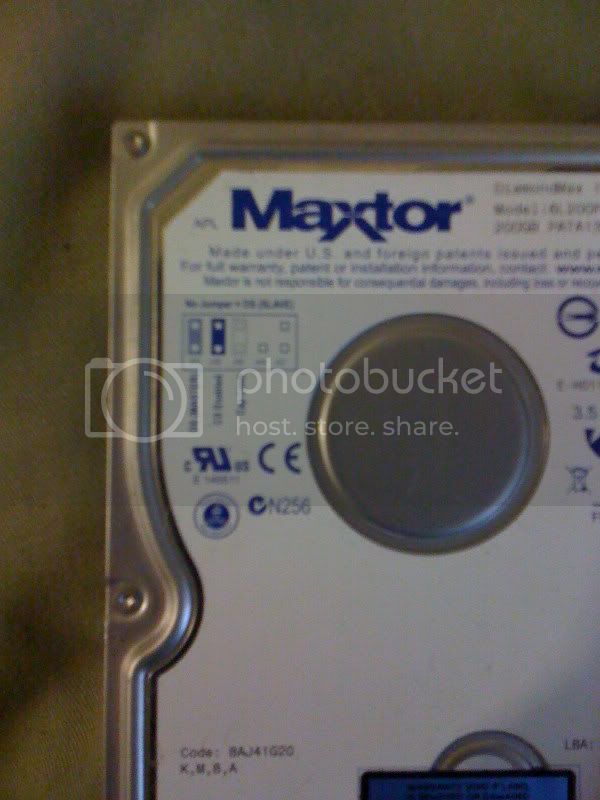
A visual diagram that tells you where to put the "jumper" in order to achieve what you want.
I always put the drive on "Cable select". I.E., if it's on the "Master" cable, then it will act as a master drive, if it's on the Slave cable, it will act as a slave.
If the jumper is on Master and the cable is on Slave, then your computer will flip and won't boot.
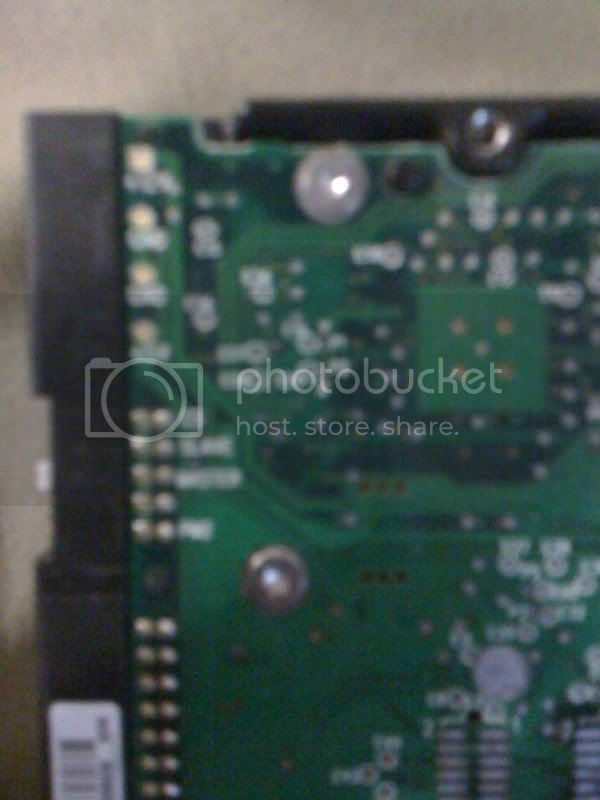
Another way... this is on the under side, on the board, clearly labeling which is which. (Again, always use Cable Select)
This is the least common I've seen. It basically says which number of the prongs to put it on...