How to draw a simple box in SketchUp

JBLCAMRY
10+ year member

KCB
Ok, this is going to be a quick how to, using sketchup. This not a tuned box, it is just for demonstration sake.

Start off by measuring out your bottom piece of the box, and drawing it out.
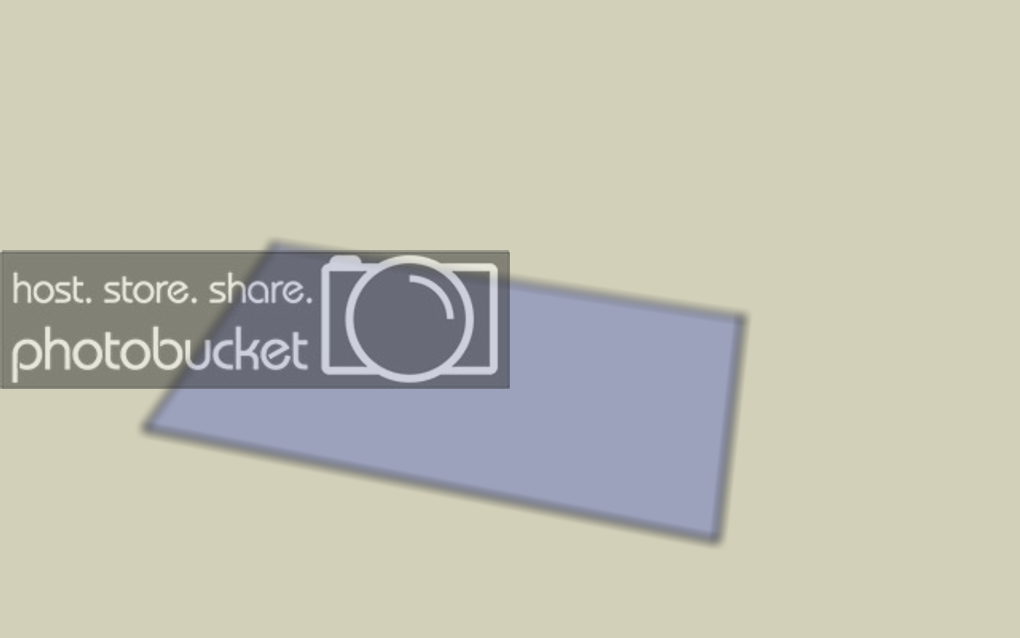
s1.png


Now that you have the bottom of the box measured and drawn, use the push/pull tool to pull it to the desired wood thickness. (Usually 3/4")

s2.png


Now take your measuring tape, and click on the edge of each side and pull in 3/4" (or wood thickness)
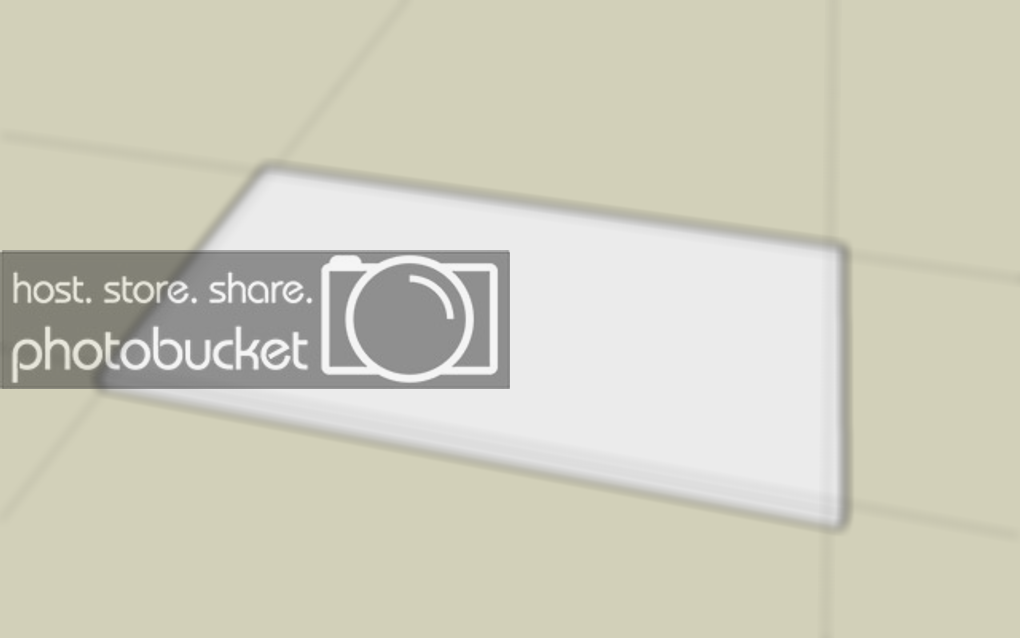
s3.png


Now draw lines with the guides still there, and then erase the guides

s4.png


On this example I used a 3" wide vent, so take the tape measure again and measure 3" in from the inside of the walls, on the side and back. Then from those lines measure out another 3/4" with the measuring tape.
s5.png


Then erase the piece in the front of the port and the guides.

s6.png


Next is the 45 in the port, start out buy measuring from the corner to the interior edge and then measure 3" from the corner. (The little dot)

s7.png


From that point, drag a square to the edge. And draw a line through the middle. Then from the edge of the square across till it turns a pink color (idk I’m colorblind)

s8.png


Now erase the square and the guides, so there is only this left.

s9.png


Measure from the middle of that 45, out 3/4" like this

s10.png


Then draw a line and erase the guide, leaving you with this.

s11.png


Now you have your layout finished for the box.

s12.png


s23.png


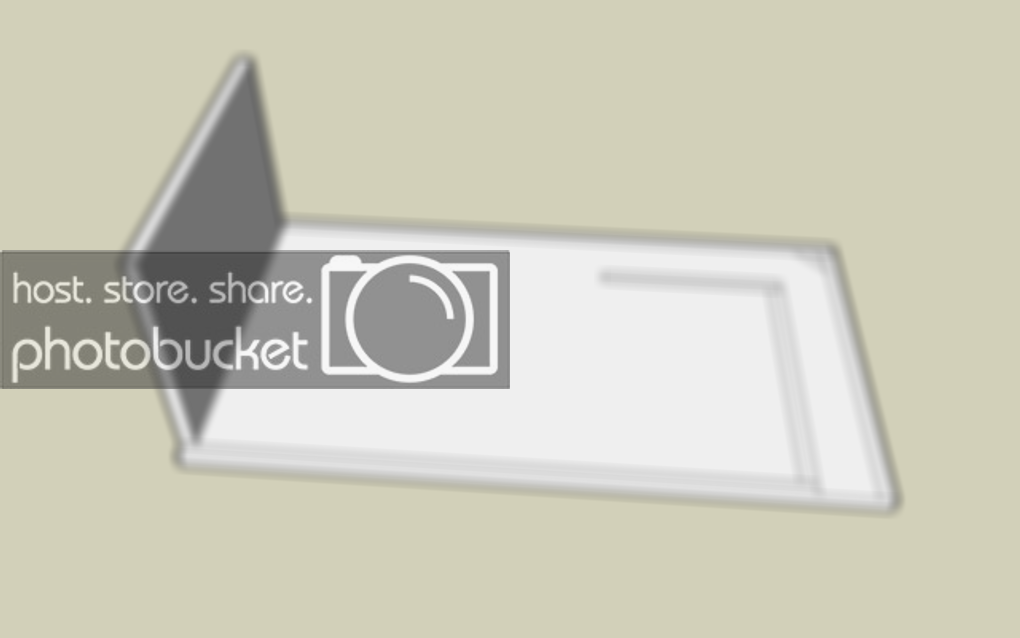
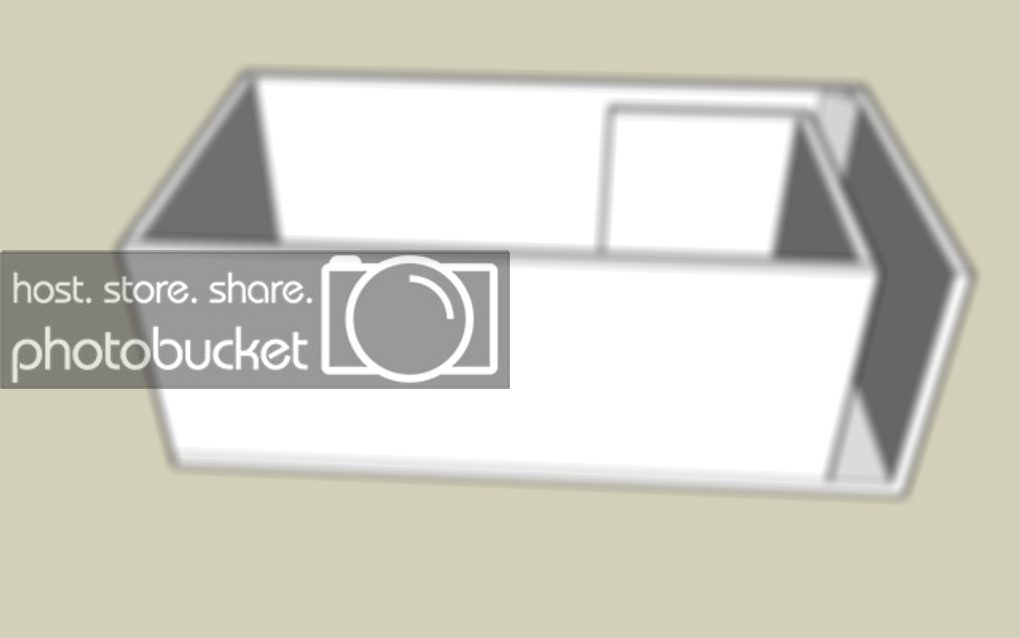
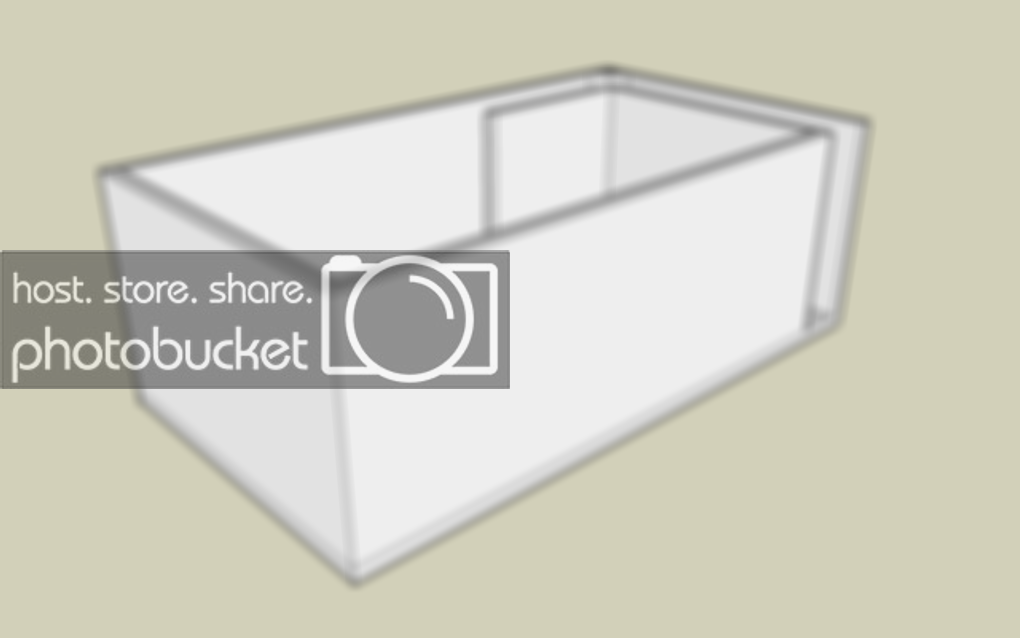
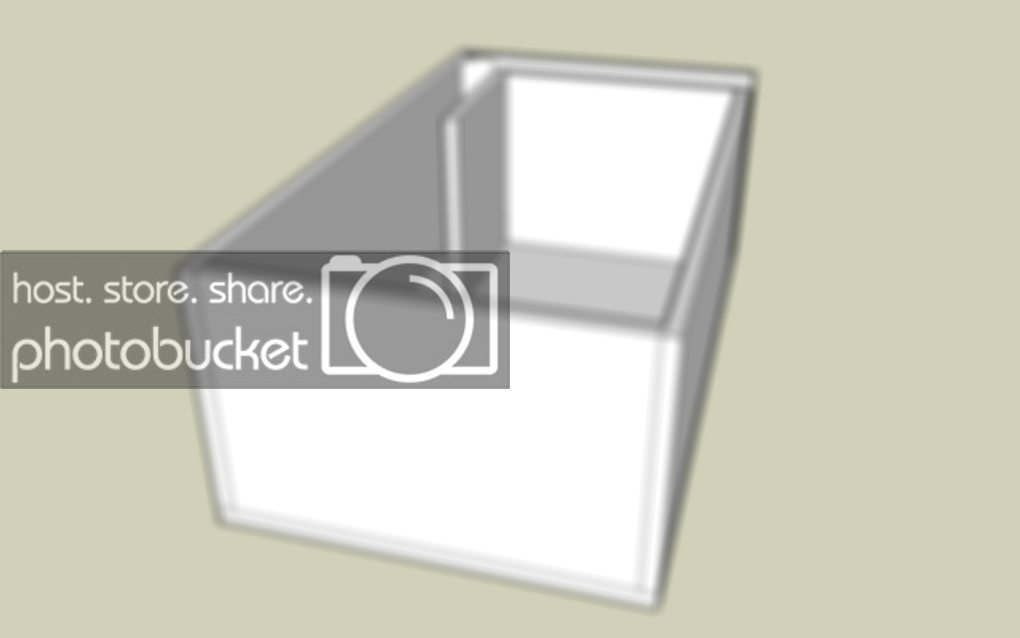
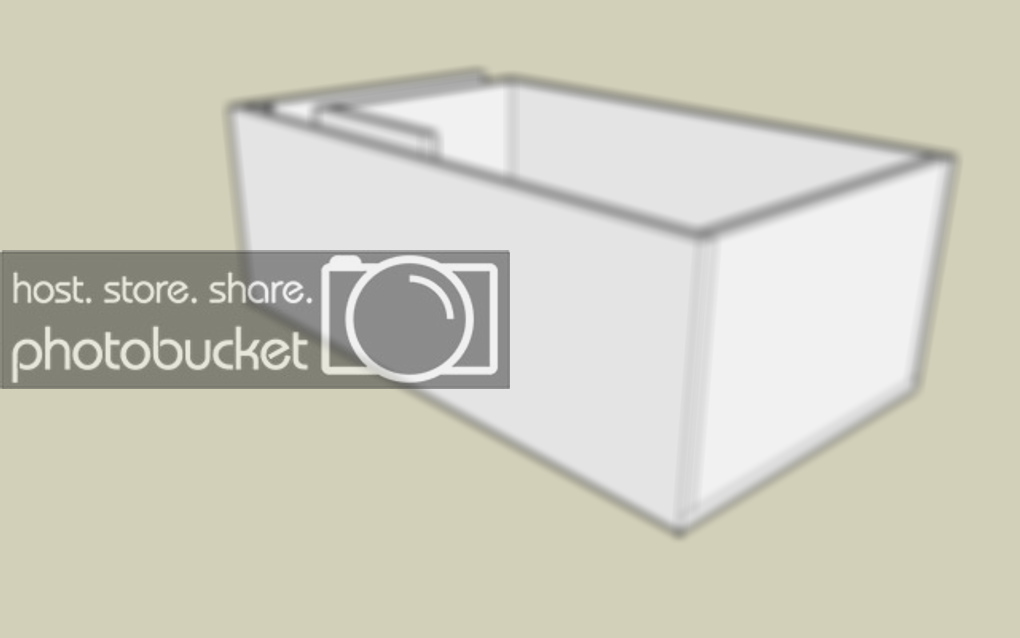
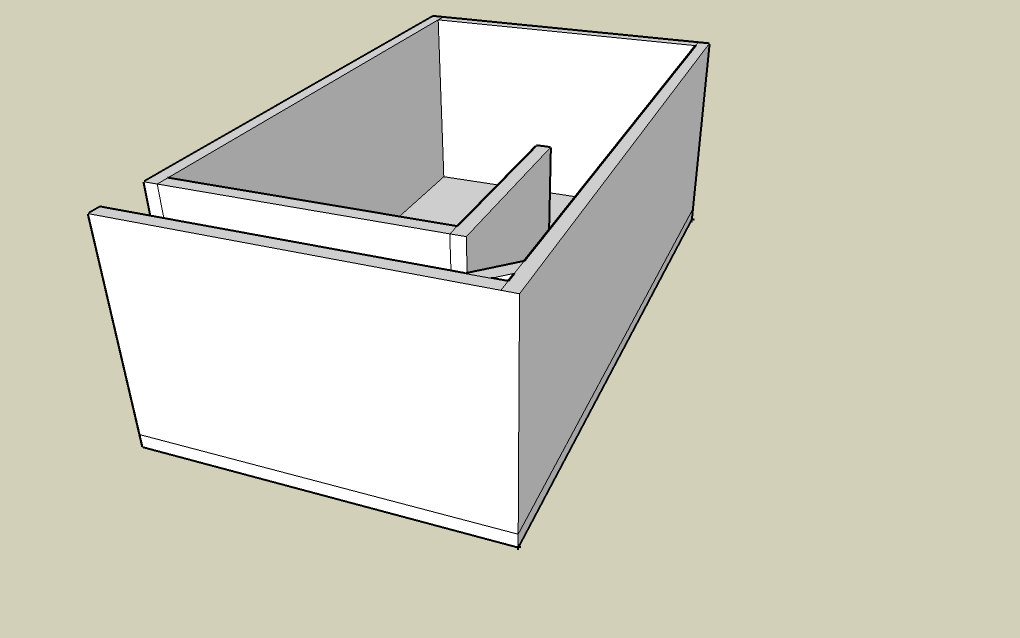
now you have an almost complete box.

s24.png


next is how i do the top. i draw a line 3/4" up on the corner, then i draw a line the depth of the box, then back down 3/4". leaving this........

s25.png


now pull it accross.

s26.png


s27.png


now is time for the hole cutout, first you want to find out where you want to but it, use the guides to do this. for this box, i pulled from the edge 14". then drew and X using the guides.

s28.png


now draw the circle (this one is 5 1/2" radius) so there is an 11" cutout.

s29.png


now use you push pull tool and push in 3/4" and let go. you will be left with this...

s30.png


now erase the guides and your done, you have a finished drawing using sketchup

s31.png


hope this helps.//content.invisioncic.com/y282845/emoticons/biggrin.gif.d71a5d36fcbab170f2364c9f2e3946cb.gif

 
Thanks a ton for this I been messing with it for a couple days now with no success.

//content.invisioncic.com/y282845/emoticons/biggrin.gif.d71a5d36fcbab170f2364c9f2e3946cb.gif

 
Finally got it, LOL

Now just one last question how do you make the boards transparent so you can see the inside of the enclosure ?

Thanks again for this !

EDIT- Nevermind I found it use the x-ray view.

 
Activity
No one is currently typing a reply...
Old Thread: Please note, there have been no replies in this thread for over 3 years!
Content in this thread may no longer be relevant.
Perhaps it would be better to start a new thread instead.

About this thread

JBLCAMRY

10+ year member
KCB
Thread starter
JBLCAMRY
Joined
Location
239, Florida
Start date
Participants
Who Replied
Replies
51
Views
4,710
Last reply date
Last reply from
ALHII303
design.jpeg

WNCTracker

    May 22, 2026
  • 0
  • 0
IMG_2118.jpeg

WNCTracker

    May 22, 2026
  • 0
  • 0

New threads

Top