Computer geeks I need your help

i2ain2thunder
10+ year member

CarAudio.com Veteran
OK so I have 2 hard drives, one of them is a solid state drive (SSD) the other is a regular ole hard drive. My solid state is 30gb my other drive is 1 Tb. Here is my dilema, I do not have jumpers with my drives....so I guess they are cable select? Anyway My computer chose the SSD drive to be master. The other drive I guess should be a slave drive right? Well my SSD is drive C: and my other drive is drive E: I don't know why it's not D: and maybe thats where a problem lies. Anyway since my main drive is only 30GB the thing is full up with data and I need to rip some CDs I just bought, problem is I have no more space on the SSD. I figured at that point the computer would automatically use the other drive to add more data....this is not the case. I'm not very familiar with drive designations or data sharing between them. Am I right in assuming the other drive should take over when more data needs to be downloaded? If I am right, is there a reason why my computer is saying my C: drive is full and I can't rip these CDs??

 
Ok, so when I pull up WMP I can have it check for music in both drives then I suppose I'll look into this thanks guys....sorry I newb with nice computer haha

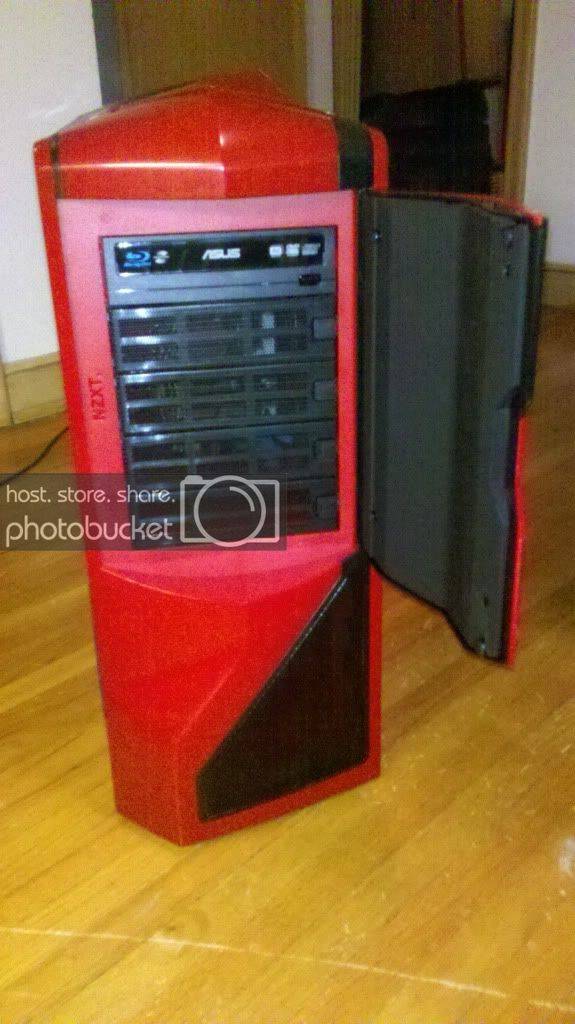
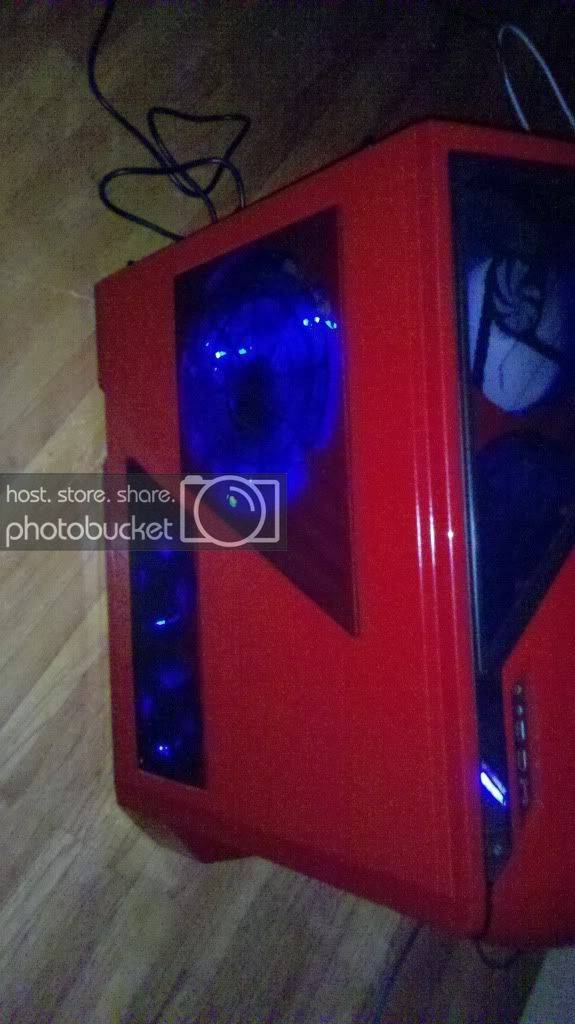
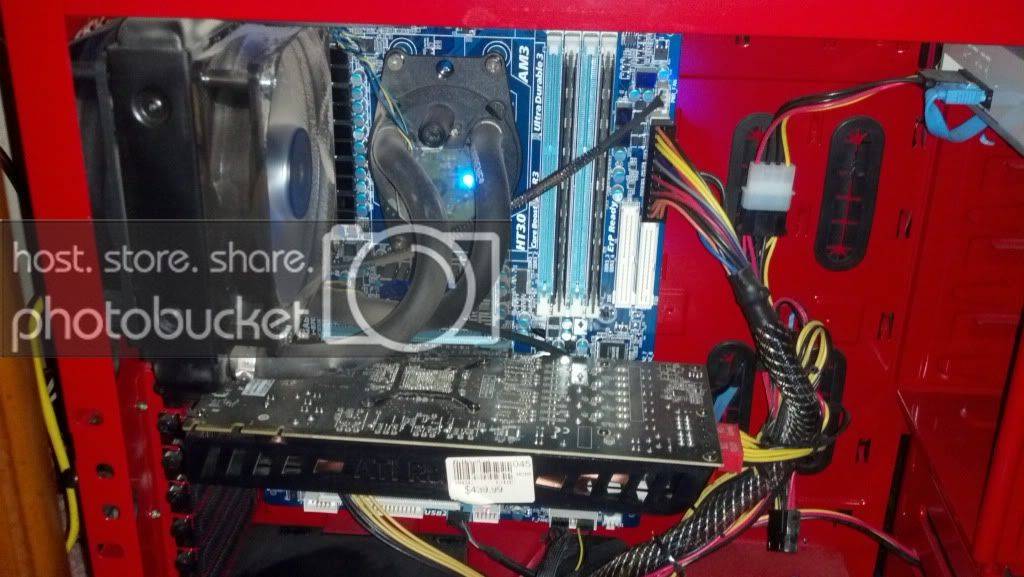
While I had the case apart I took some pics //content.invisioncic.com/y282845/emoticons/smile.gif.1ebc41e1811405b213edfc4622c41e27.gif

2010-12-16_00-00-03_21.jpg


2010-12-16_01-43-53_426.jpg


2011-10-27_23-18-59_827.jpg


^^^As well as when you install a program and it asks you which directory to install it in...you will need to manually point it to that E drive.
not sure why you would want to install any programs to a TB when you have an ssd...the whole point of having an ssd is to install the os and all programs on it for quick bootup and startup of programs..

 
not sure why you would want to install any programs to a TB when you have an ssd...the whole point of having an ssd is to install the os and all programs on it for quick bootup and startup of programs..
Yeah my OS and everything is on the SSD thats why the bish is full.

 
Activity
No one is currently typing a reply...

About this thread

i2ain2thunder

10+ year member
CarAudio.com Veteran
Thread starter
i2ain2thunder
Joined
Location
st paul, mn
Start date
Participants
Who Replied
Replies
6
Views
198
Last reply date
Last reply from
i2ain2thunder
IMG_20260516_193114554_HDR.jpg

sherbanater

    May 16, 2026
  • 0
  • 0
IMG_20260516_192955471_HDR.jpg

sherbanater

    May 16, 2026
  • 0
  • 0

New threads

Top