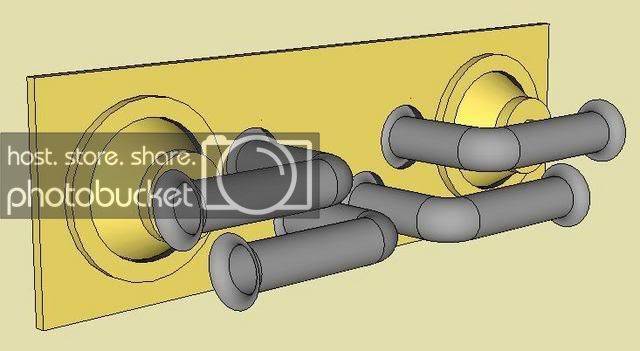
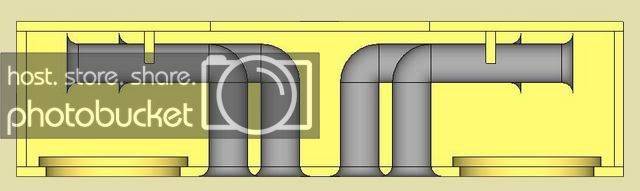
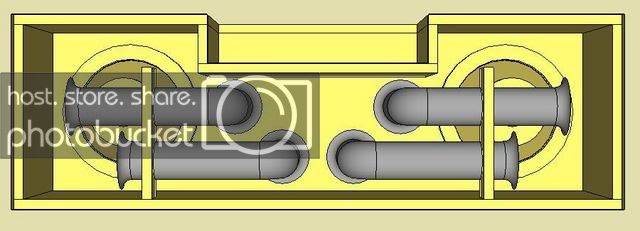
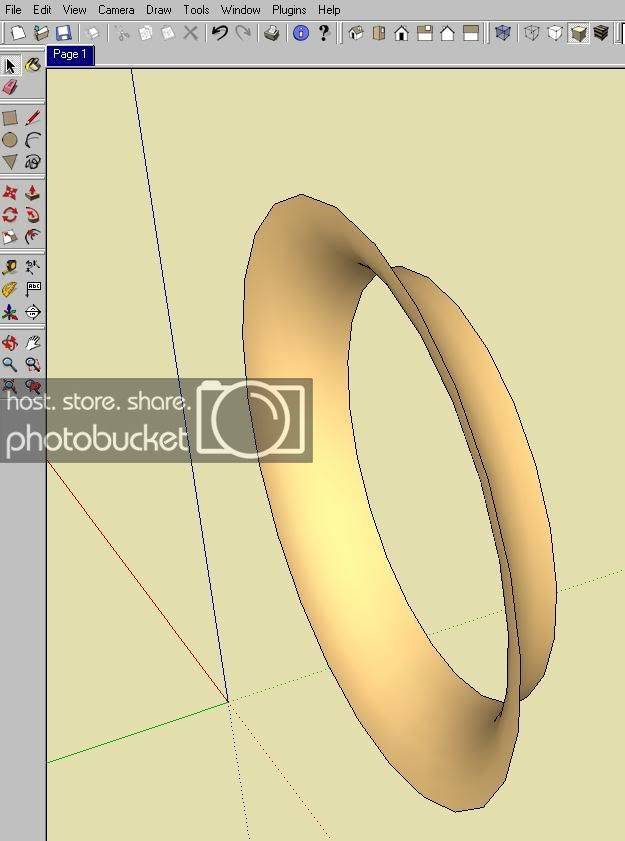
OK, your on the right track, you just have it drawn in such a manner you didn't intend, thats all.
OK, this is the way I normally do it:
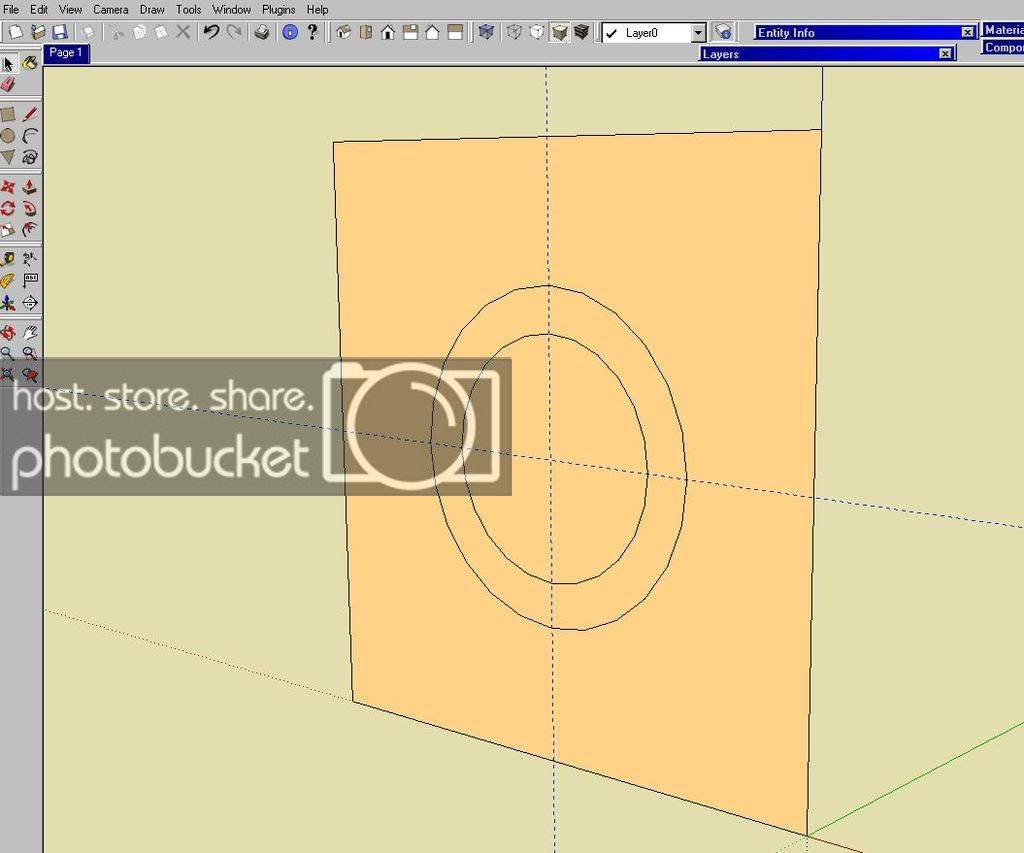
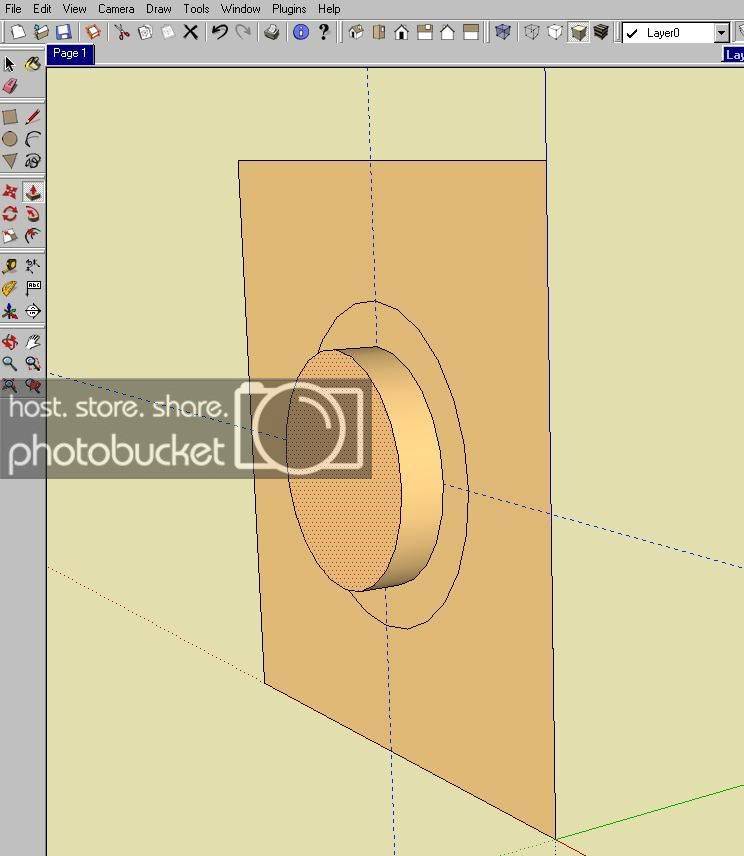
1st - I draw a square/rectangle to the orientation I want the flared port to aim. Next, I draft the ID & OD of the port flare.
For this one I am doing a 4" ID and 5.5" OD which would give me a 3/4" radius for the flare I want to create.
2nd, I use the " PULL " tool to pull the 4" ID diameter to 3/4".
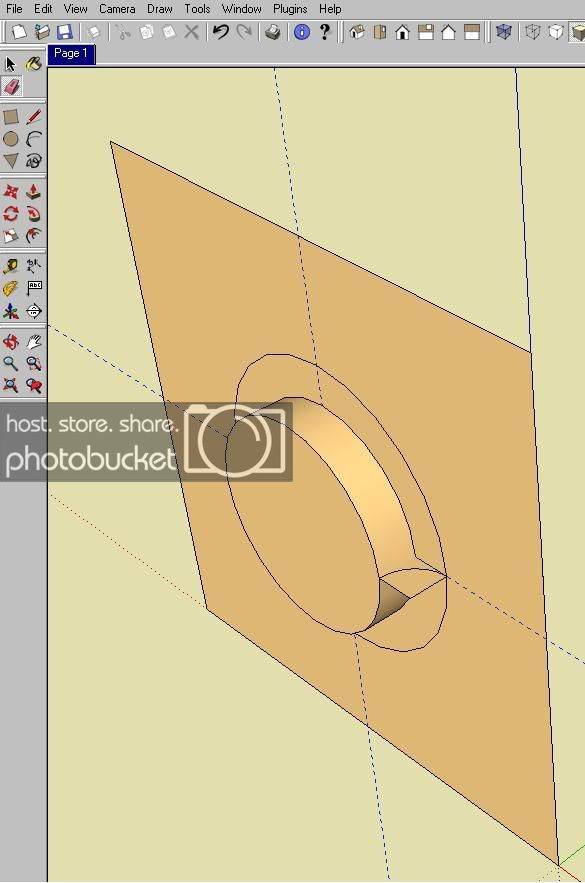
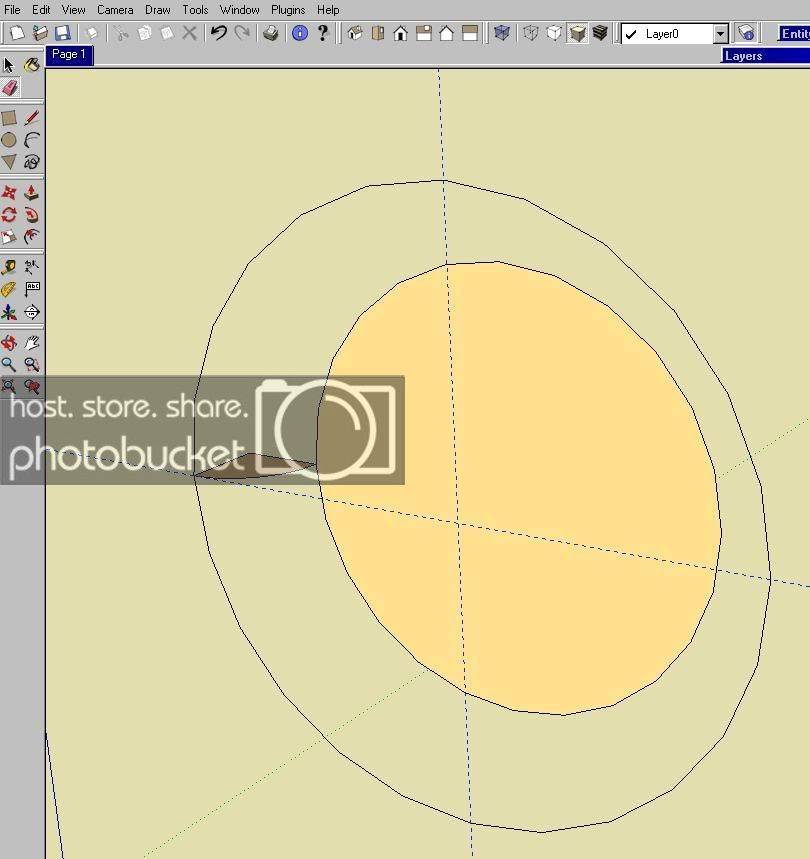
3rd, I draw square that connects the " pulled diameter " of the 4" ID to 5.5 OD, then I use the the " circle tool " to create the radius. ( I right click on that radius and select " divide " to divide the circle into four sections and delete the sections not needed to make the flare.
4th, I delete the rest of the elements so all I am left with is the 4" ID, the 5.5" OD and the radius section I need to make the flare.
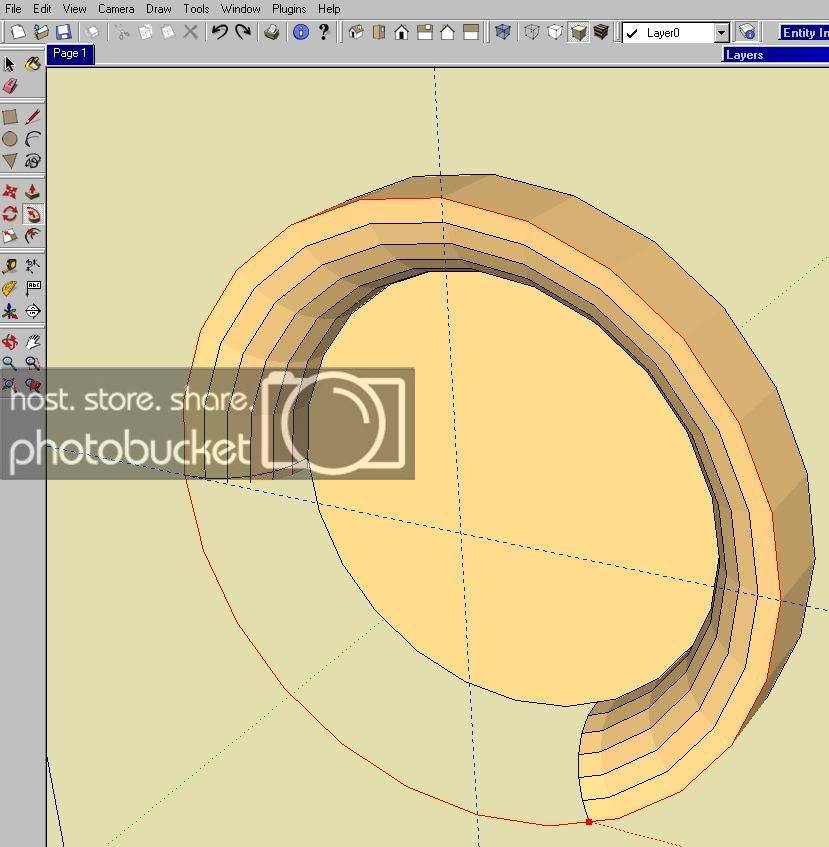
5th, I select the " Follow Me " tool and then select with that tool the radius section and use that tool to follow the OD of port ( as shown in RED ) which creates the radius of port flare. Use the " follow me " tool to pull the radius section around from the diameter back to where it started and it will complete the flare.
6th and last, after completing step 5, use the " select tool " to select and delete those elements you don't want and you are left with the flare of the port you created.
One thing to keep in mind is that PSP or any other Aero/Flared Port has a much greater radius, so to accurately draft design it in sketch up will require to know what the ID & OD of the port, but, I have discovered that the depth of a aero/flared port is greater than the radius of the flared end.