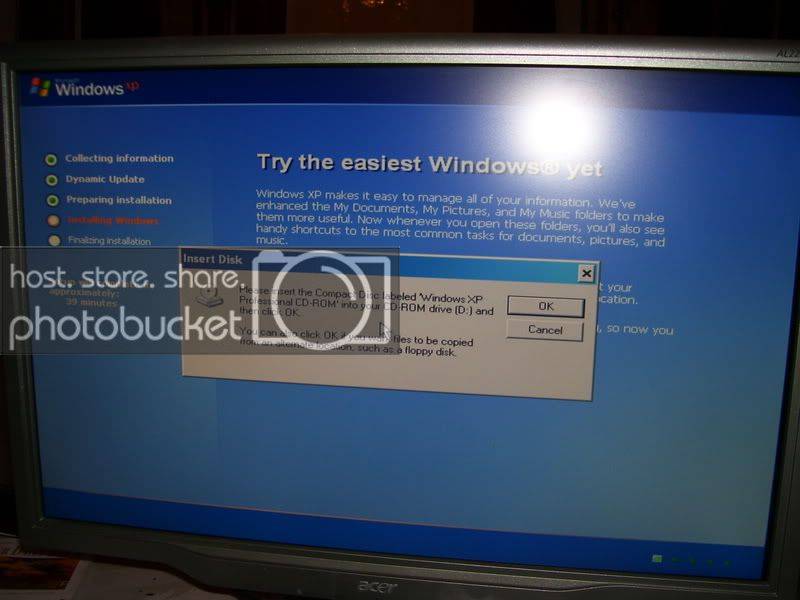
get an original disk, not a burned copy.
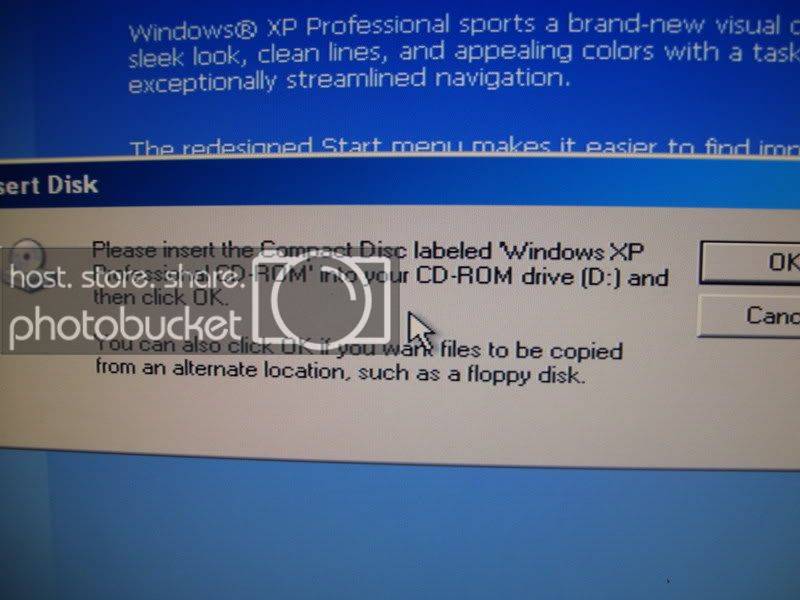
edit: it should never ask you to put in the XP CD in the begining stage or any stage of the installation.
copied of microsofts website.
SYMPTOMS
When you install Microsoft Windows XP, you may receive the following error message:
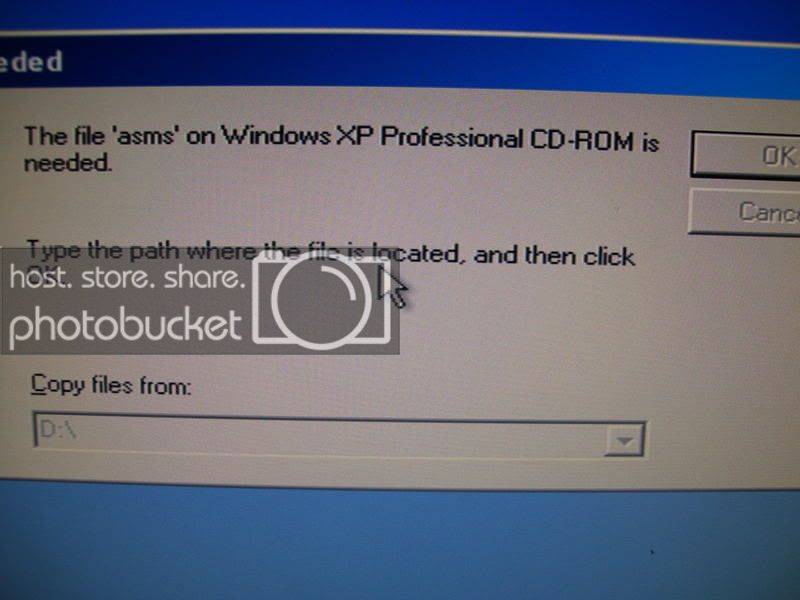
[Files Needed]
The file 'Asms' on Windows XP Professional CD-ROM is needed. Type the path where the file is located, and then click OK.
Back to the top
CAUSE
This issue may occur if the Setup program cannot communicate with the CD-ROM drive.
Back to the top
RESOLUTION
To resolve this issue, use the appropriate method for your computer.
Back to the top
Hard disk formatted with FAT or FAT32 file system
If the hard disk is formatted with the FAT file system or with the FAT32 file system, follow these steps: 1. Use a Microsoft Windows 98 Second Edition or Microsoft Windows Millennium Edition (Me) Startup disk with CD-ROM drivers to restart the computer.
2. Copy the Xcopy.exe tool from the Windows 98 Second Edition CD-ROM, the Windows Millennium Edition (Me) CD-ROM, or the hard disk to the Windows Startup disk. To do this, use the appropriate method.
Windows 98 Second Edition CD-ROM
Insert the Windows 98 Second Edition CD-ROM in the CD-ROM or DVD-ROM drive, and then at the command prompt type the following lines, pressing ENTER after you type each line, where cd-rom is the drive letter of the CD-ROM or DVD-ROM drive:
c:
copy cd-rom:\win98\smartdrv.exe
copy cd-rom:\tools\oldmsdos\xcopy*.*
Windows Millennium Edition (Me) CD-ROM
Insert the Windows Millennium Edition (Me) CD-ROM in the CD-ROM or DVD-ROM drive, at the command prompt type the following lines where cd-rom is the drive letter of the CD-ROM or DVD-ROM drive, and then press ENTER after you type each line:
c:
copy cd-rom:\win9x\smartdrv.exe
extract cd-rom:\win9x\win_17.cab xcopy.exe /L c:\ xcopy.exe
extract cd-rom:\win9x\win_17.cab xcopy32.exe /L c:\ xcopy32.exe
extract cd-rom:\win9x\win_19.cab xcopy32.mod /L c:\ xcopy32.mod
Hard disk
At the command prompt, type the following lines where drive is the drive letter of the hard disk where Windows is installed, and then press ENTER after you type each line:
c:
copy drive:\windows\smartdrv.*
copy drive:\windows\xcopy*.*
3. Eject the Windows 98 or Windows Millennium Edition (Me) CD-ROM, and then insert the Windows XP Professional CD-ROM.
4. Copy the I386 folder and all its subfolders to the hard disk. To do this, type the following lines at the command prompt where cd-rom is the drive letter of the CD-ROM drive, and drive is the drive letter of the hard disk, and then press ENTER after you type each line:
smartdrv
xcopy cd-rom:\i386 drive:\i386 /e
5. Restart the computer, and then start the Setup program again.
6. When you receive the error message, click Browse, and then type the path of the I386 folder on the hard disk.
Note You may be prompted several times for the location of this folder. If Browse is not available, see the "Hard disk formatted with NTFS file system" section.
Back to the top
Hard disk formatted with NTFS file system
If the hard disk is formatted with the NTFS file system and you are upgrading an earlier version of Windows, use one of the following methods.
Method 1
Warning If you use Registry Editor incorrectly, you may cause serious problems that may require you to reinstall your operating system. Microsoft cannot guarantee that you can solve problems that result from using Registry Editor incorrectly. Use Registry Editor at your own risk.1. When you receive the error message, press SHIFT+F10 to start a command session.
2. Type regedit.exe, and then press ENTER.
3. Click HKEY_LOCAL_MACHINE.
4. On the File menu, click Load Hive, and then load %Windir%\System32\Config\System.sav.
5. When you are prompted to specify a name, type Test.
6. Locate and then click the following key:
HKEY_LOCAL_MACHINE\Test\ControlSet1\Control\Class\{4D36E965-E325-11CE-BFC1-08002BE10318}
7. Delete the UPPERFILTERS and LOWERFILTERS registry keys.
8. Repeat steps 6 and 7 for the other ControlSet# keys under the Test hive.
9. Click File, and then click Exit to quit Registry Editor.
10. If the path in the error message is the correct drive letter for the CD-ROM drive, click OK to continue the Setup program.
11. If you receive the error message again, the Setup program cannot correctly read from the CD-ROM drive, or the path information is incorrect. In this case, restart your computer and let the Setup program resume.
Method 2
If you cannot start Regedit.exe at the command prompt, and there is another available partition where you can install Windows on the hard disk, follow these steps: 1. Install Windows in the other partition.
2. Start the new installation of Windows, and then start Regedit.exe.
3. Follow the steps in method 1, but load the System.sav hive from the original Windows folder.
Method 3
If you are not using a retail Windows XP CD-ROM with a hologram (for example, if you are using a burned CD-ROM), try to run the Setup program from a retail CD-ROM with a hologram. To verify this, start the computer by using Recovery Console, and then check the C:\$win_nt$.~ls folder. Look for the Asms folder. If the folder is missing or the files that it contains are zero bytes, the CD-ROM was not burned correctly.
For additional information about how to use Recovery Console, click the following article number to view the article in the Microsoft Knowledge Base: