Problems with pioneer headunit

jaywood
10+ year member

Junior Member
I have a pioneer headunit, forgot the part number but its compatible with USB and headphone

When I run my iPod through the headphone jack, only the speakers on the right work. When I use the radio/USB port, both sides work. I used to be able to wiggle the cord plugging into my headphone jack, and both sides would work. This just recently stopped working...

So my question is, is there any way to fix that? If not, is there an adapter that connects headphone to USB?

I use my iPod shuffle which only has a headphone jack...

Thanks guys!

 
I already tried a new aux cable and it didn't work...so that's not it

I have an iPhone too (which I'm on right now) but when I plug it into the USB I can't use my phone anymore. It won't let me change the song from the phone/look through my library.. I can only change it from the buttons on the headunit which is annoying. Anyway around that?

 
When trying to use AUX in only one side works correct? Is it left or right side?

When NOT using AUX, i.e Radio station / CD player, both channel (L+R) work?

How old is the Headunit and cable?

Have you tried to use that 3.5mm cord with any other devices? Home Theather or anything with AUX input. Over time, the 3.5mm male heads tend to stretch and break the wire contacts. (Thus wiggling sometimes bring them back together.)

For a test, you can open Windows Sound Recorder (under Program > Accessories.) and plug that into the MIC input so your ipod will output to the mic input.. This will test if the cord is bad. You can also wiggle it around to see if sound cuts off.

If the cord is bad then you can try to find a replacement cord at .99 cents store or

~$3 bucks

Amazon.com: Cables Unlimited AUD-1100-06 6-Feet 3.5MM Male to Male Stereo Cable: Electronics

or better quality ~ $8 bucks

Amazon.com: Belkin PureAV AV20601-06 6-Foot Mini-Stereo Audio Cable: Electronics

~~~~~~~~~~~~~~~~~~~~~~~~

If the cord isn't bad then you may have a extremely rare case that the input jack lost its contact.

*******************

scratch my suggestion.. since you already tried it.. (i type slow)

 
I already tried a new aux cable and it didn't work...so that's not it
I have an iPhone too (which I'm on right now) but when I plug it into the USB I can't use my phone anymore. It won't let me change the song from the phone/look through my library.. I can only change it from the buttons on the headunit which is annoying. Anyway around that?
Since this is a specific question about the feature of your headunit. You are should find the MODEL# & read the MANUAL.

 
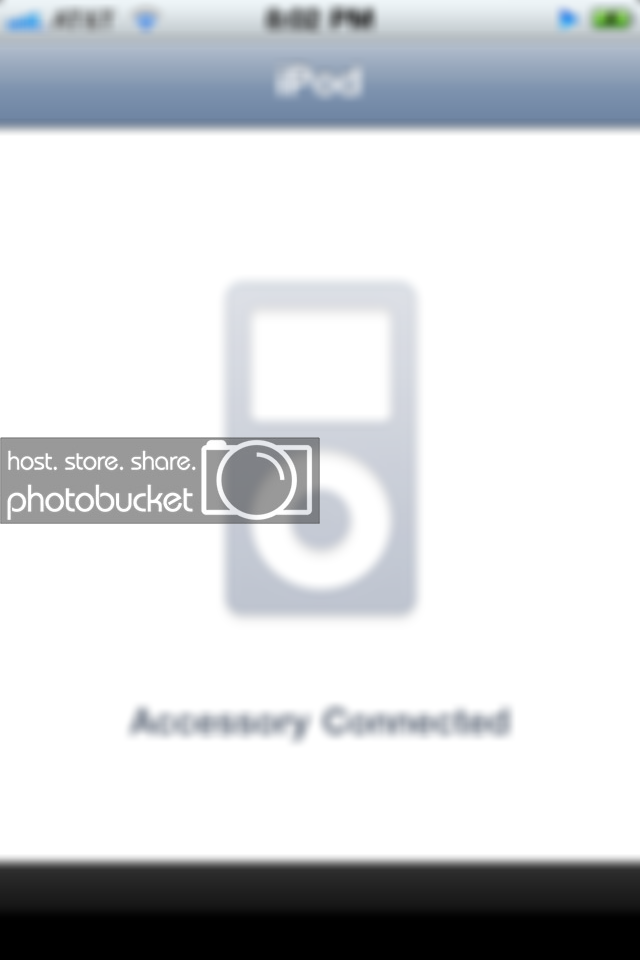
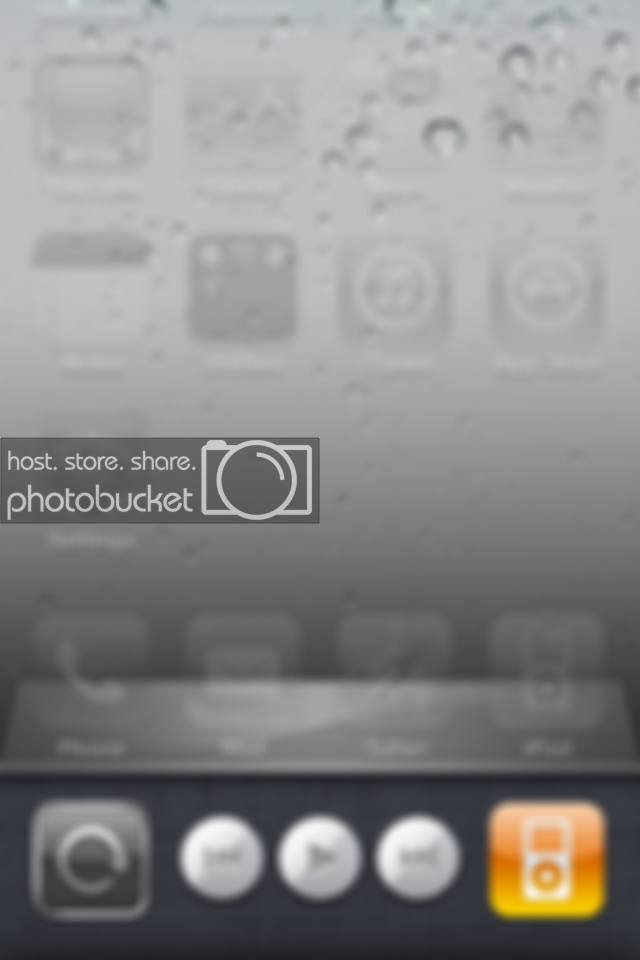
When I plug my iPhone into the usb cord coming out of the headunit, this is what my screen looks like:

photo1-1.png


photo-3.png


It won't let me search through songs on my phone. I have to change the song playing either from the remote for the headunit, or from the actual buttons on the headunit. Is there any way to get around that?

I tried it with a regular iPod nano, and it did the same thing.

 
Activity
No one is currently typing a reply...
Old Thread: Please note, there have been no replies in this thread for over 3 years!
Content in this thread may no longer be relevant.
Perhaps it would be better to start a new thread instead.

About this thread

jaywood

10+ year member
Junior Member
Thread starter
jaywood
Joined
Location
Santa Barbara, CA
Start date
Participants
Who Replied
Replies
7
Views
2,890
Last reply date
Last reply from
Bassin Buick
IMG_20260516_193114554_HDR.jpg

sherbanater

    May 16, 2026
  • 0
  • 0
IMG_20260516_192955471_HDR.jpg

sherbanater

    May 16, 2026
  • 0
  • 0

New threads

Top