Brand : Lexus
Model : NX200t
Year : 2015
Audio System : Pioneer (Factory fitted)
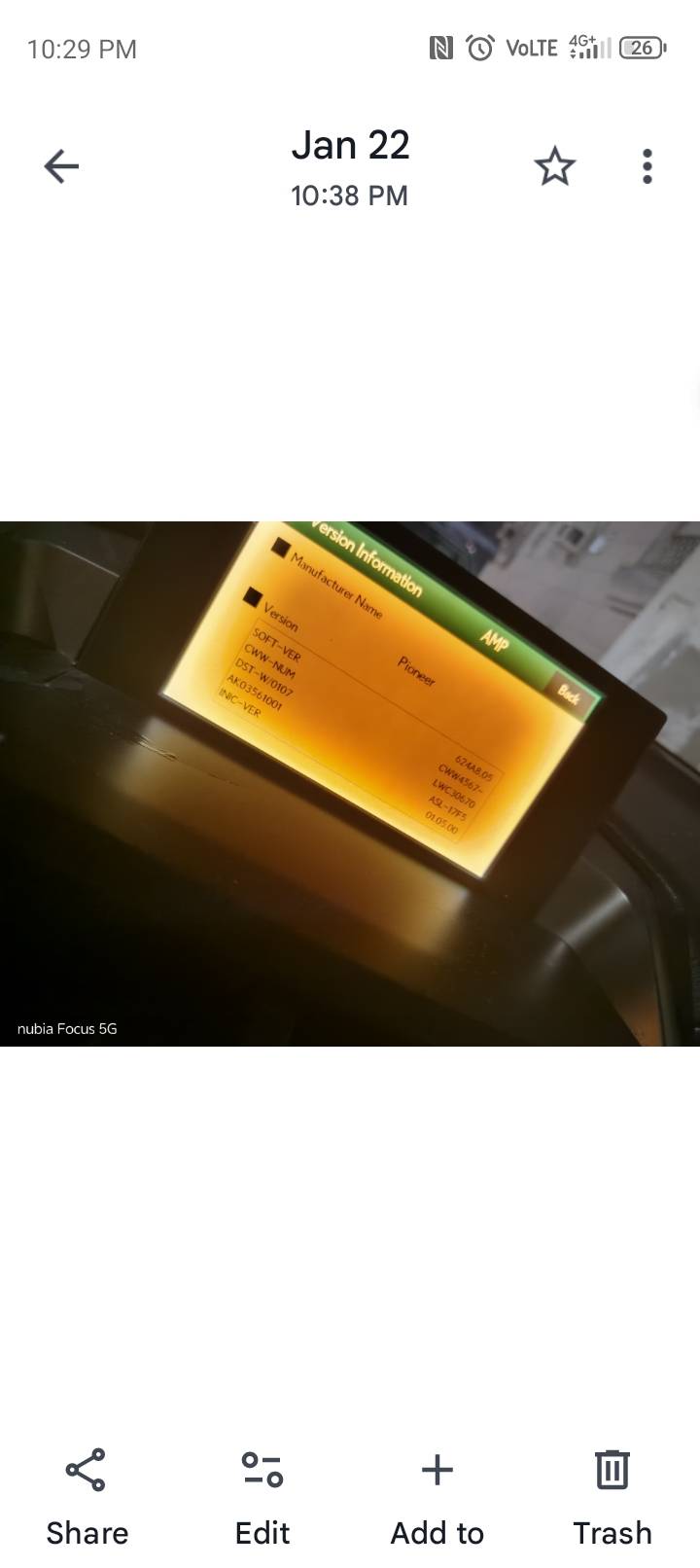
hi, I am facing an issue with my car's audio display screen which is getting dimmer gradually. the attached image was taken almost last year as currently screen is too dark one can't even read the information. I am a kind
View attachment 69636 of a person who always trying to fix before replacement so, I would like to have an advice/guidance from expertise or anyone who expected the same and fixed it. moreover I do have further issues with my car's head unit which can be discuss if requires. thank you!
It sounds like you are experiencing a common issue with the brightness of the display screen on your Pioneer audio system in your Lexus NX200t. Here are several steps you can take to troubleshoot and potentially resolve the dimming display issue:
1. **Check Brightness Settings:**
- Navigate to the settings menu on your audio system and look for any brightness or display settings. Sometimes, the brightness can be adjusted manually; ensure that it is set to a suitable level.
2. **Inspect the Dimmer Switch:**
- Your vehicle may have a dimmer switch that controls the brightness of all interior lights, including the audio display. Check if this switch is functioning correctly and is set to an appropriate level.
3. **Reconnect the Display:**
- If you are comfortable doing so, you can try disconnecting and reconnecting the display unit. Sometimes, a loose connection can cause display issues.
4. **Update Firmware:**
- Check if there are any firmware updates available for your Pioneer head unit. Manufacturers sometimes release updates to address performance issues, including display problems.
5. **Check for Overheating:**
- Ensure that the head unit is not overheating, as excessive heat can sometimes cause display malfunctions. Ensure proper ventilation around the unit.
6. **Inspect for Damage:**
- Look for any signs of damage to the display or the wiring harness connected to the head unit. Corrosion or frayed wires can lead to display issues.
7. **Consult the Manual:**
- Refer to the user manual for your Pioneer audio system. There may be specific troubleshooting steps or settings that pertain to display issues.
8. **Professional Help:**
- If the above steps do not resolve the issue, it may be best to consult a professional car audio technician. They can diagnose the problem more thoroughly and suggest repairs or replacements if necessary.
If you have any further issues with your head unit or if any of these steps require clarification, feel free to share! Also, it would be great to have more members chime in with their experiences or solutions to similar problems.

 of a person who always trying to fix before replacement so, I would like to have an advice/guidance from expertise or anyone who expected the same and fixed it. moreover I do have further issues with my car's head unit which can be discuss if requires. thank you!






