tigerf117
10+ year member
CarAudio.com Elite
First step in troubleshooting, before replacing anything is to see if you can get the computer to fail a POST. i.e.take out everything but motherboard, cpu, and power supply. If it still hangs prePOST (fans spinning at 100% but does not get to the POST) its going to be either motherboard CPU or Power supply. Next, try a different power supply making sure all connectors are plugged in (i have forgot to plug in the 4pin auxilliary and its done the same thing).
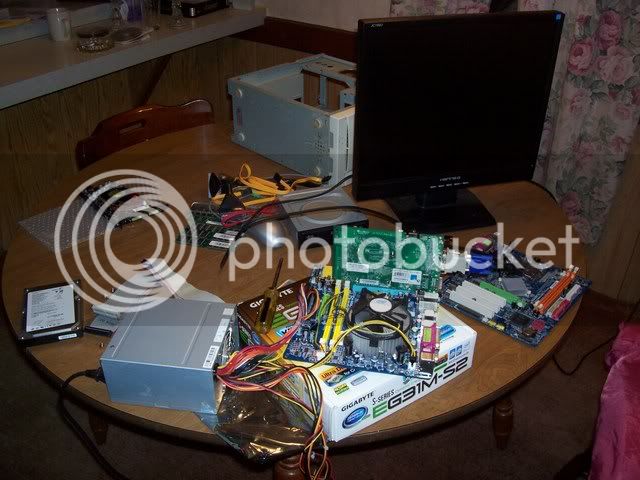
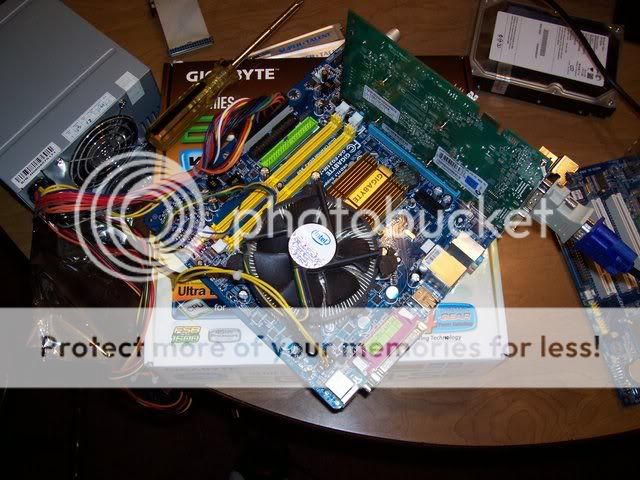
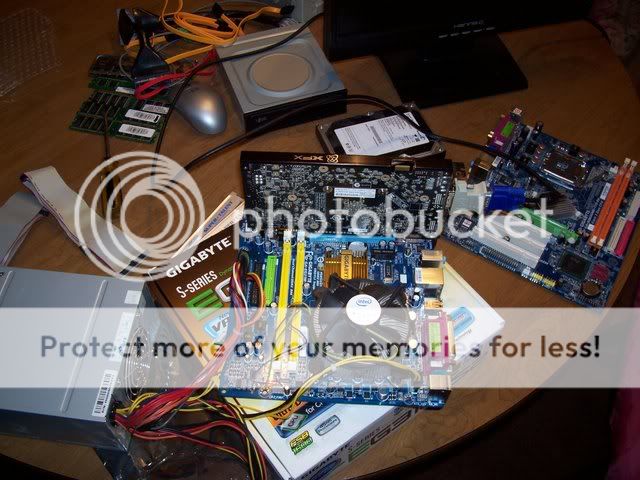
Now after using a different power supply it still does the same thing. Switch boards and go back to the original power supply. (I would do this on a table so you don't risk shorting something on the case be repeatedly switching out mobos). If it does the same thing, again switch power supplies. If it still does the same thing, then you can be pretty sure its the cPU.
2 different boards, 2 different PSUs, all the same results it has to be the CPU at that point. BTW, there ARE pins on LGA775, but they are on the mobo side, and they CAN be bent (I have seen it happen - not by me personally but by a "smart" customer)
I know you've pretty much done that, but I would recommend doing it all in that order from square one. After all that, a lot of tech shops will test a CPU for free. Also, visually inspect all capacitors for leakage. Has this CPU been overclocked at all? It puts a lot of stress on cheap boards and can cause them to fail. Killing those chips by overclocking is very very difficult unless you are throwing insane voltages at them (1.6+).
Now after using a different power supply it still does the same thing. Switch boards and go back to the original power supply. (I would do this on a table so you don't risk shorting something on the case be repeatedly switching out mobos). If it does the same thing, again switch power supplies. If it still does the same thing, then you can be pretty sure its the cPU.
2 different boards, 2 different PSUs, all the same results it has to be the CPU at that point. BTW, there ARE pins on LGA775, but they are on the mobo side, and they CAN be bent (I have seen it happen - not by me personally but by a "smart" customer)
I know you've pretty much done that, but I would recommend doing it all in that order from square one. After all that, a lot of tech shops will test a CPU for free. Also, visually inspect all capacitors for leakage. Has this CPU been overclocked at all? It puts a lot of stress on cheap boards and can cause them to fail. Killing those chips by overclocking is very very difficult unless you are throwing insane voltages at them (1.6+).