Atimm693
10+ year member
Shadetree Mechanic
So ive recently got a computer i built running, and i realize now that i jumped into the ocean without knowing how to swim. First problem i had was the CD drive, replaced that, worked for probably 2 days, then it crashed. Reinstalled OS, next day it crashed. Found out it was the harddrive. Got a new one and the old one is pending return.
After all that i got a friend in town install the OS this time. Its been running OK now for the past week or so.
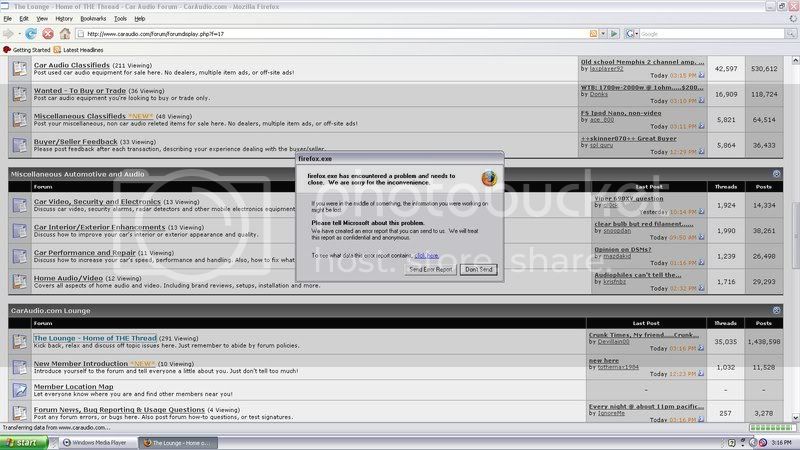
First off im getting a lot of errors in certain programs. First it was IE. Sometimes when you try to open it up a window will pop up saying IE has encountered an error and has to close. I reinstalled it and i think that made it quit for now. I also installed firefox as a backup.
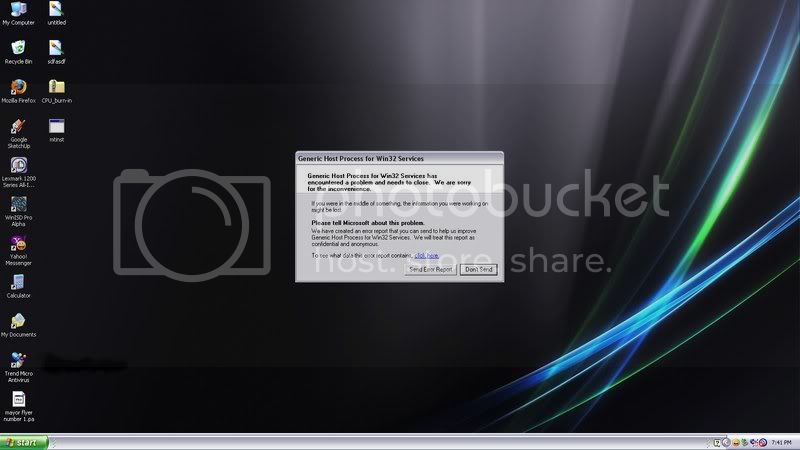
After that i was in the middle of designing a box and sketchup was doing the same thing. It would open up but the window would pop up saying send or dont send error report. Rebooted and its been fine since.
Third is probably the worst. You'll be on it and all of a sudden itll beep, blue screen for a half second then it beeps and restarts. What is happening? How can i fix these errors?
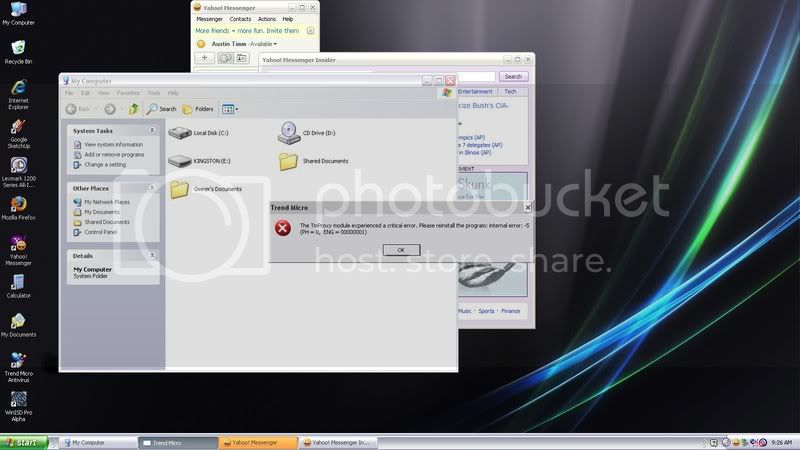
Also ive been getting some random ones like the one in the pic below that i have no idea about.
After all that i got a friend in town install the OS this time. Its been running OK now for the past week or so.
First off im getting a lot of errors in certain programs. First it was IE. Sometimes when you try to open it up a window will pop up saying IE has encountered an error and has to close. I reinstalled it and i think that made it quit for now. I also installed firefox as a backup.
After that i was in the middle of designing a box and sketchup was doing the same thing. It would open up but the window would pop up saying send or dont send error report. Rebooted and its been fine since.
Third is probably the worst. You'll be on it and all of a sudden itll beep, blue screen for a half second then it beeps and restarts. What is happening? How can i fix these errors?
Also ive been getting some random ones like the one in the pic below that i have no idea about.