

NeverEnuffBass
10+ year member
Got Bass?
First you must gut the amp. Be careful not to strip any of the small screws as Hifonics likes to use a generous amount of thread lock.
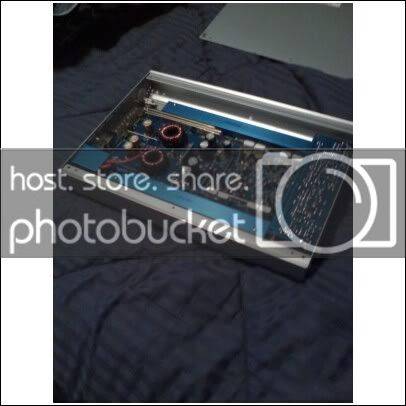
Remove the little heat sinks (blue bars) and take the srews holding the main board out. Remove the sides as well (small torx head) Pull the board out being careful not to break any of the transistors because they like to stick. I stacked all the guts so I would remember how they go in.
You will be left with the cover piece and a smaller circut board attached, those are the LED's. Remove it and cut the harness leaving a little wire attached to the board (in case you decide to go back to blue)
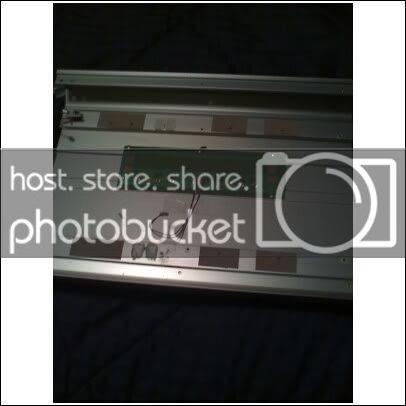
Attach your LED strip just under the Hifonics logo, LEDs pointing up. Solder the harness you cut to the pos. + neg on the led strip.
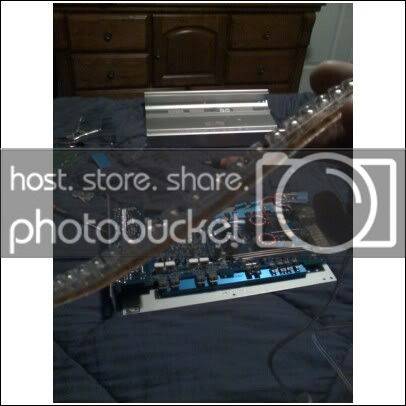
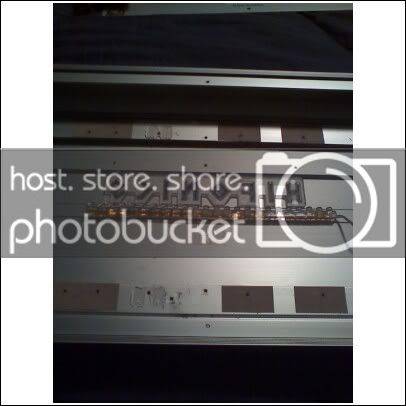
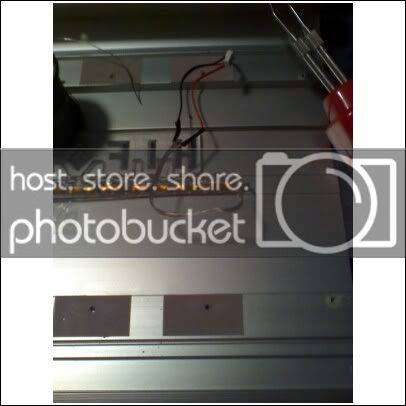
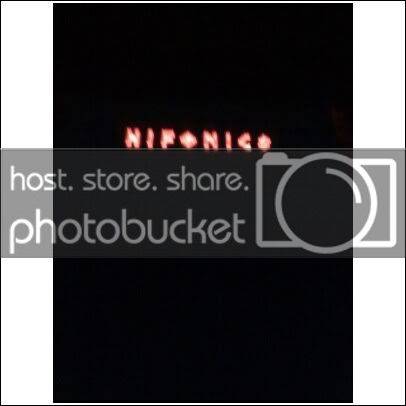
Put the amp back together and try it out.
Remove the little heat sinks (blue bars) and take the srews holding the main board out. Remove the sides as well (small torx head) Pull the board out being careful not to break any of the transistors because they like to stick. I stacked all the guts so I would remember how they go in.
You will be left with the cover piece and a smaller circut board attached, those are the LED's. Remove it and cut the harness leaving a little wire attached to the board (in case you decide to go back to blue)
Attach your LED strip just under the Hifonics logo, LEDs pointing up. Solder the harness you cut to the pos. + neg on the led strip.
Put the amp back together and try it out.









