Alpine IVA-W200 & 205: iPod usage?

I'll take pics in a bit on my w200 of how the iPod looks. Just looks as if you're playing a CD. I do like how with the iPod you can jump through certain sections via the scrollbar on the bottom, but with mp3 CD's and DVD's, you can't. However, if you are searching by song, it can take quite some time to find the song you want.

 
Yeah i know they said the same thing about the kenwood kvt-910/911 and it has an awesome picture. I have never had any issues with quality so I take everything Cnet reviewers say with a grain of salt
Just checked out your bumpin buick link. Sweet set-up //content.invisioncic.com/y282845/emoticons/2thumbs.gif.fdc3ba010dbb42b61704534b46d02fe4.gif

 
Just checked out your bumpin buick link. Sweet set-up //content.invisioncic.com/y282845/emoticons/2thumbs.gif.fdc3ba010dbb42b61704534b46d02fe4.gif
Thanks I actually stripped it about two months ago and have everything just sitting around here now, my new build will be for daily in my 4runner. Is that your LS? It looks pretty sick too, im trying to buy one just like it off my uncle they look really clean.

 
Thanks I actually stripped it about two months ago and have everything just sitting around here now, my new build will be for daily in my 4runner. Is that your LS? It looks pretty sick too, im trying to buy one just like it off my uncle they look really clean.
It is. Thank you very much. The bottom two links take you to more pics at cardomain and carstereo.com. The first one for Audio Advisors will have pics sometime soon when the webguys upload them. That's where I got it done at.

 
Here are pics I just took. (Kinda big and I don't feel like resizing nor changing my photobucket options).

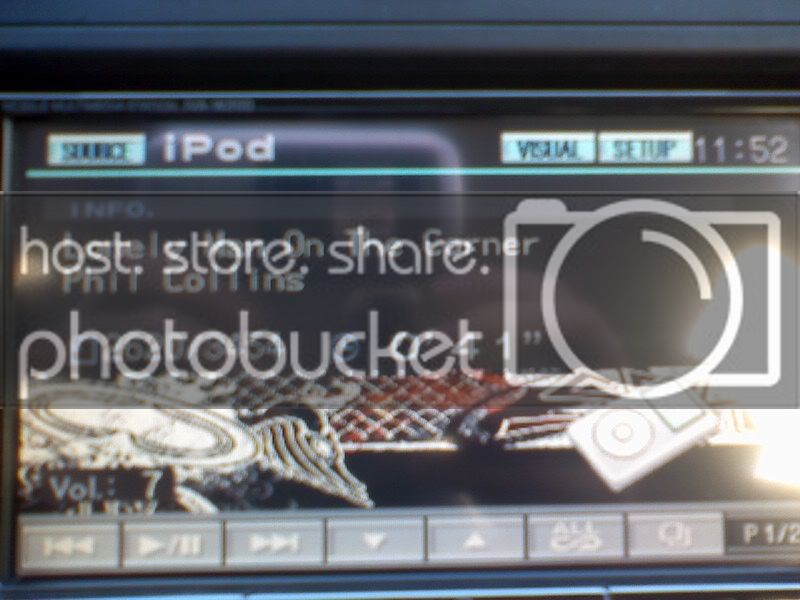
This first one is the main screen with it playing a song.

Buttons from left to right are as follows: Back 1 song, Play/Pause, Forward 1 Song, Down A Folder, Up a Folder, Shuffle All Songs, View All (artists, songs, playlist...will give an option), Page 1 of 2

0117081151a.jpg


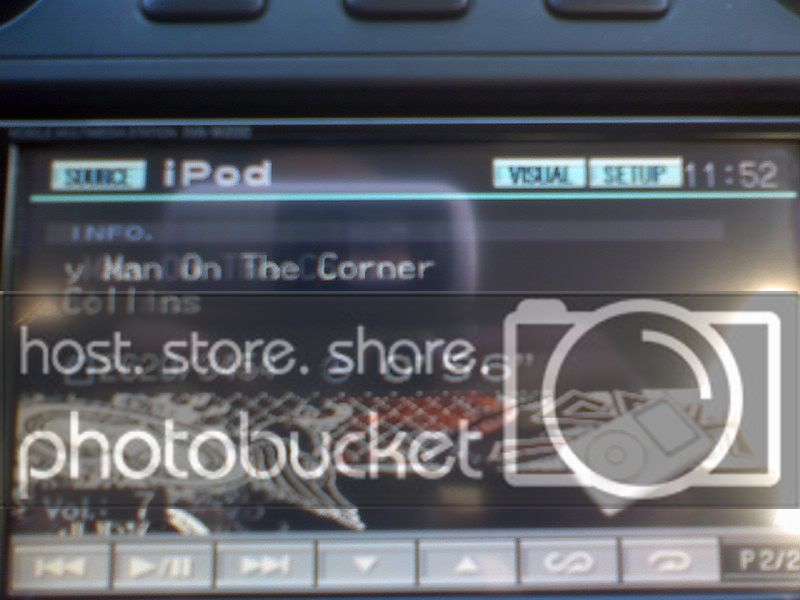
Second Page: Everything is the same, except the 3rd to last is to shuffle songs or albums but the specific artist you are listening to, 2nd to last is to repeat one song or all (depending on how many times you select it).

0117081152.jpg


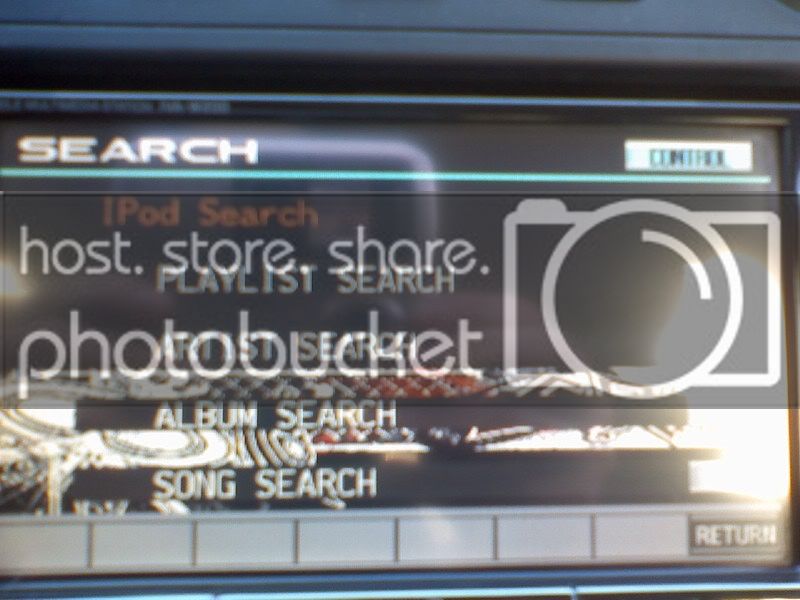
View All Button does this:

0117081152a.jpg


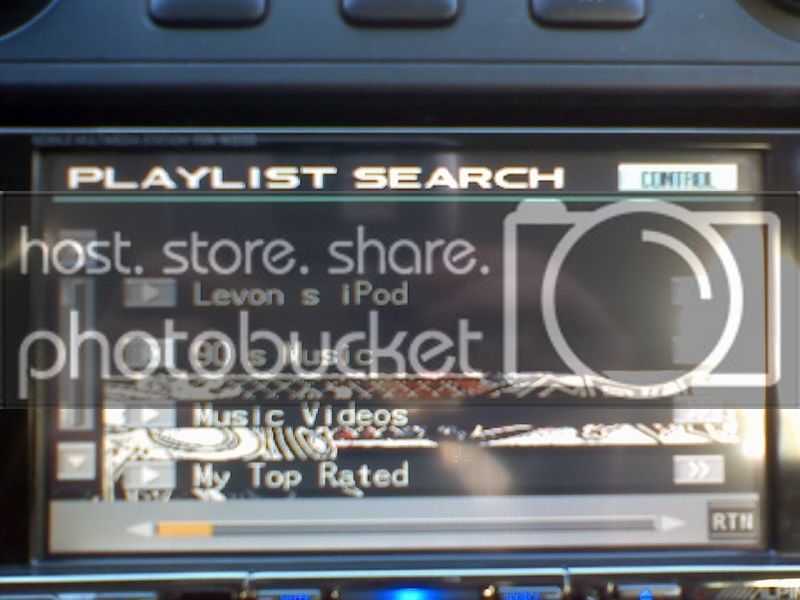
When you choose to view by artist, song or playlist (playlist in this example, this is what it looks like. On the left you can scroll down one by one. On the bottom, you can jump to a certain section (it's alphabetized, but for some reason my playlist isn't). The play button to the left of the playlist (or artist) will play the first song. The ">>" button to the right will open the folder and show any other folders or the songs. Once there are no more folders, your only option is to click Play or the RTN (return) button in the bottom right.

0117081153.jpg


I really dislike how if I'm listening to an Artist and I have many songs by them, say 50, and I want to listen to another song withought having to go through them one by one, that I have to repeat the entire process of the View All >> Artist >> then search for song. It's a hassle sometimes. I have found it to be quite fast, though using the iPod itself is a tad faster. Hope this helps.

 
what do you mean by that?

Instead of having to scroll a line at a time while looking through artists, songs, whatever, there is a bar along the bottom, kind of like the time bar in windows media player, that you can scroll and move through large grops at a time.

It's kind of hard to explain without you seeing it, but it's really cool unless you do like I do and leave it on random.

 
Activity
No one is currently typing a reply...
Old Thread: Please note, there have been no replies in this thread for over 3 years!
Content in this thread may no longer be relevant.
Perhaps it would be better to start a new thread instead.

About this thread

528hz

10+ year member
Everything'sMiscellaneous
Thread starter
528hz
Joined
Location
In the Space between Space in NM
Start date
Participants
Who Replied
Replies
27
Views
1,713
Last reply date
Last reply from
quality_sound
IMG_20260516_193114554_HDR.jpg

sherbanater

    May 16, 2026
  • 0
  • 0
IMG_20260516_192955471_HDR.jpg

sherbanater

    May 16, 2026
  • 0
  • 0

New threads

Top