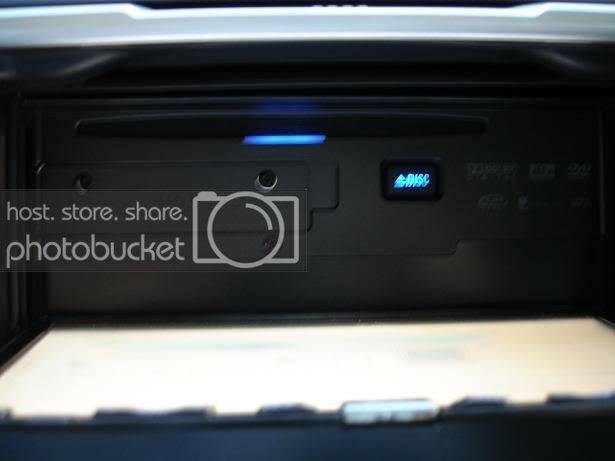
So a few months ago, I started to save up money for my next car upgrade, a navigation system. I did alot of research on Alpine, Eclipse, and other navigation units and concluded that the Pioneer Avic-Z1 would be the best fit for me. So I waited and waited and finally it started to come on sale. An MSRP price tag of 2250 was a little too much for me but soon enough low prices on ebay started showing. Previously, I was using a Pioneer DEH-P860MP just for reference. Without further ado, let me begin the review, but first a couple facts.
MSRP: $2250
What I paid: $1525 @ebay
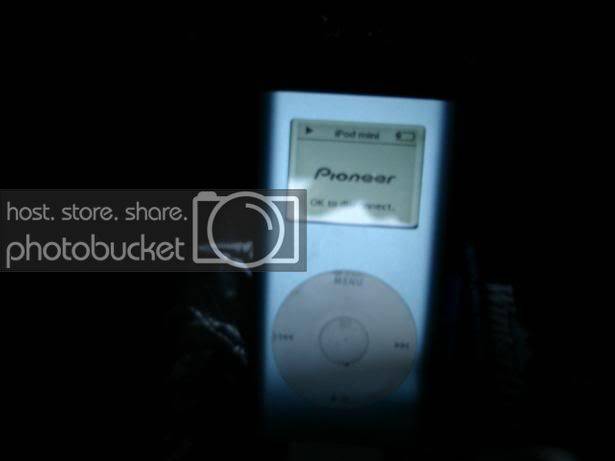
Pioneer Ipod Adapter (CB-IB100ii): $94.99 @BestBuy
Installation: For me installation was pretty straightforward. The car I am installing it in is an 06 Scion tC. It already had a doubl-din opening and the stock brackets were used with some modifications. I already had a wire harness that was used with the 860MP. The only difficult part of the installation was finding the reverse signal wire as well as the VSS (speed sensor) wire but once these two were found everything else was just sort of "connect-the-dots" kind of thing.
Setup:
Speakers: Stock 6 1/2"s
Subwoofer: 4 eD 9kv.2s
Sound Quality:
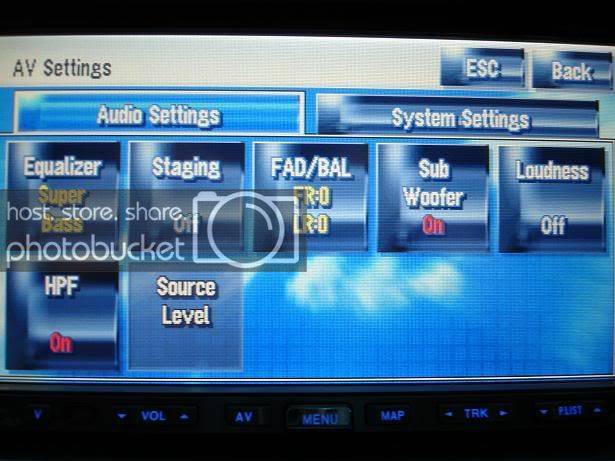
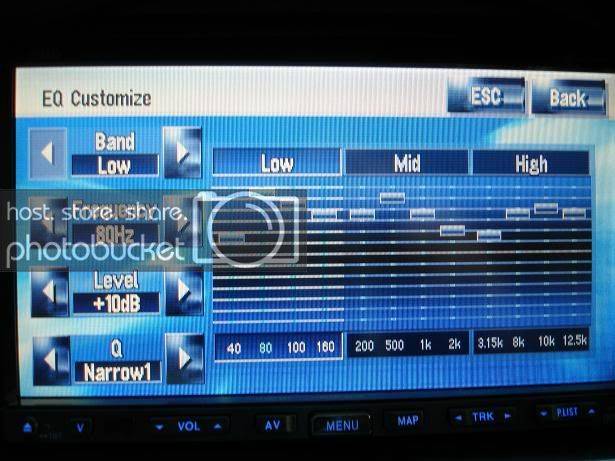
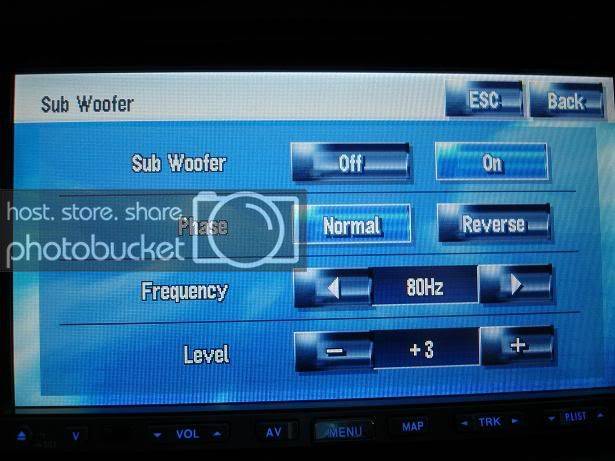
The sound quality on this unit is better than expected. Before I bought this unit, I asked for some opinions where some said it would be necessary to have an external sound processor for this unit to have abover average SQ. For me the SQ is great. I can turn the volume up very loud and hear no distortion with good quality recordings. The equalizer interface is very easy to use, actually much easier than the my old 860MP (but I shouldn't be comparing). The subwoofer settings can be controlled separatly also. Their are many different AV settings that can be used. Anyways compared to my stock stereo, I can hear things in songs that couldn't be heard before.
Here are a couple shots of the AV settings and Subwoofer settings...
Controls:
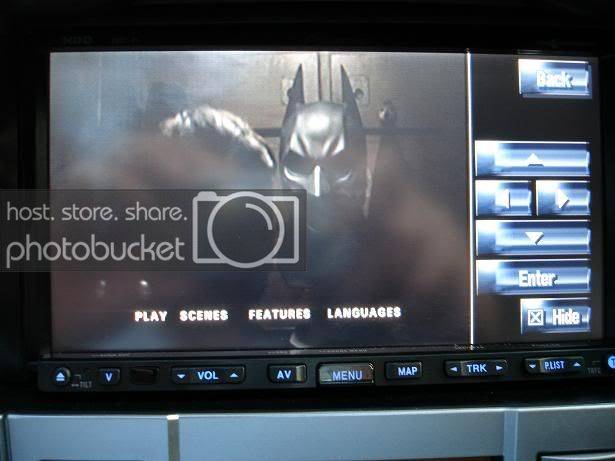
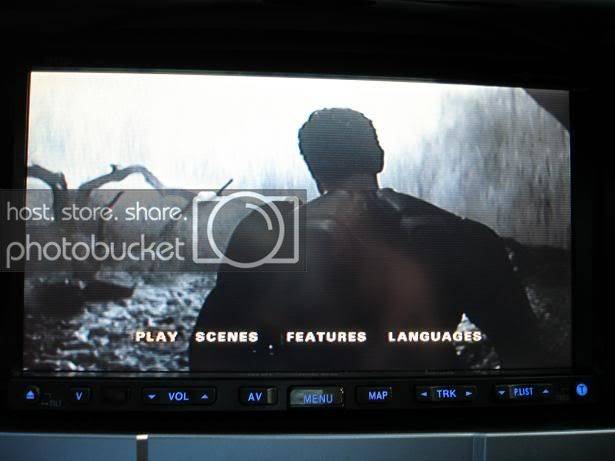
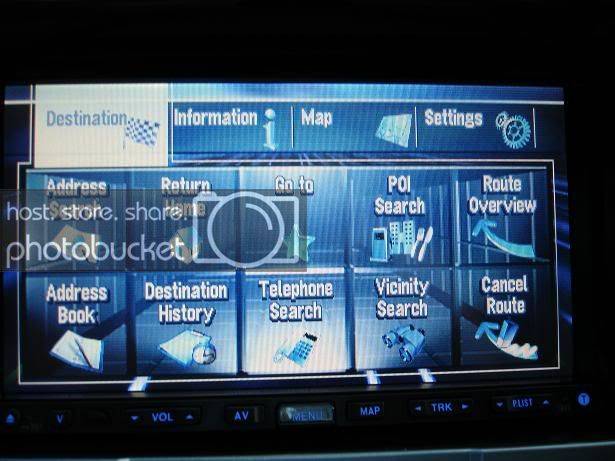
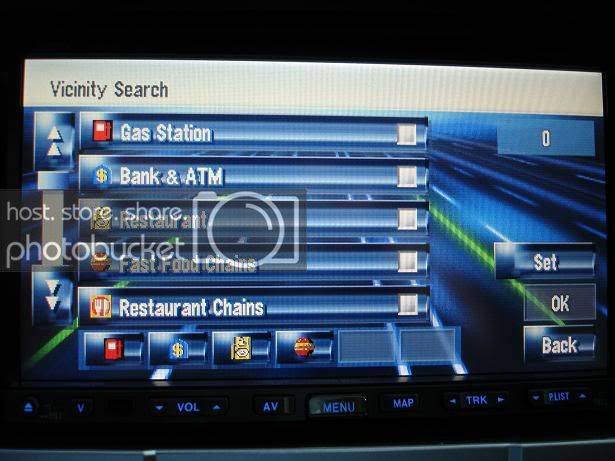
The controls for the Avic-Z1 are pretty easy to use. Just point and touch. A slight tap is all thats needed. Or in some cases, such as when viewing maps, you can hold your finger on the map and it will drag along until you remove your finger. Instead of explaining let me just show you the interface of the controls for different AV modes.
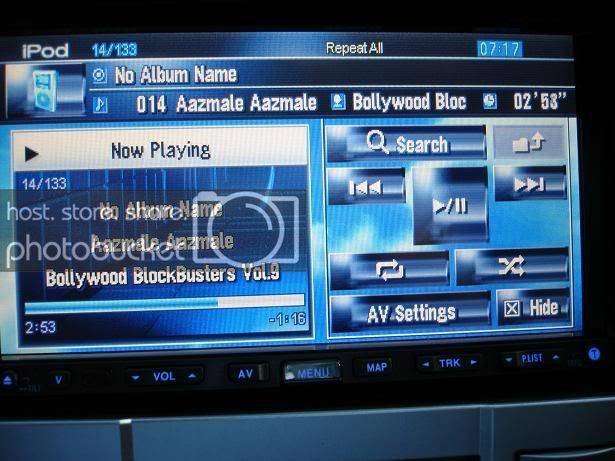
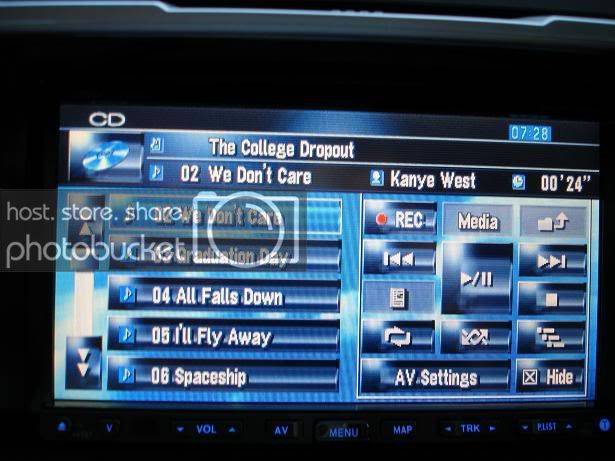
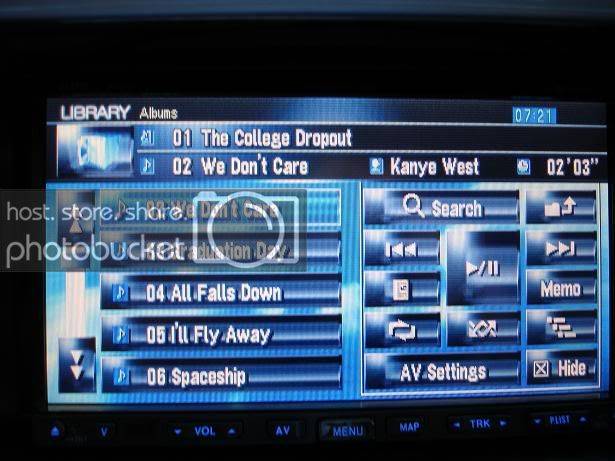
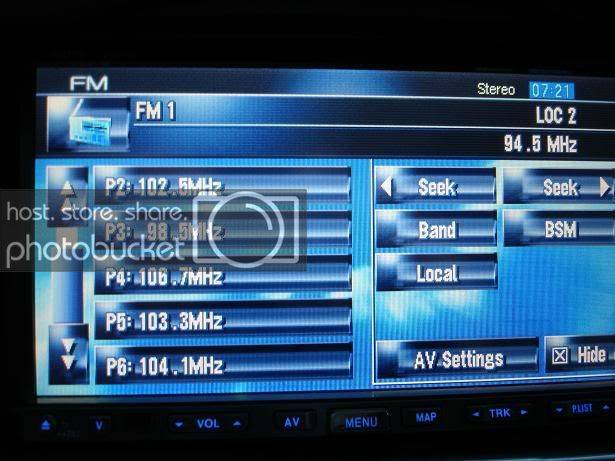
Specifically for the IPod, you can search with artists, albums, ect. The speed of going page by page is descent. It isn't impressive but it isn't dissapointing either. A video of some of this is shown at the end of this review.
(continued)
MSRP: $2250
What I paid: $1525 @ebay
Pioneer Ipod Adapter (CB-IB100ii): $94.99 @BestBuy
Installation: For me installation was pretty straightforward. The car I am installing it in is an 06 Scion tC. It already had a doubl-din opening and the stock brackets were used with some modifications. I already had a wire harness that was used with the 860MP. The only difficult part of the installation was finding the reverse signal wire as well as the VSS (speed sensor) wire but once these two were found everything else was just sort of "connect-the-dots" kind of thing.
Setup:
Speakers: Stock 6 1/2"s
Subwoofer: 4 eD 9kv.2s
Sound Quality:
The sound quality on this unit is better than expected. Before I bought this unit, I asked for some opinions where some said it would be necessary to have an external sound processor for this unit to have abover average SQ. For me the SQ is great. I can turn the volume up very loud and hear no distortion with good quality recordings. The equalizer interface is very easy to use, actually much easier than the my old 860MP (but I shouldn't be comparing). The subwoofer settings can be controlled separatly also. Their are many different AV settings that can be used. Anyways compared to my stock stereo, I can hear things in songs that couldn't be heard before.
Here are a couple shots of the AV settings and Subwoofer settings...
Controls:
The controls for the Avic-Z1 are pretty easy to use. Just point and touch. A slight tap is all thats needed. Or in some cases, such as when viewing maps, you can hold your finger on the map and it will drag along until you remove your finger. Instead of explaining let me just show you the interface of the controls for different AV modes.
Specifically for the IPod, you can search with artists, albums, ect. The speed of going page by page is descent. It isn't impressive but it isn't dissapointing either. A video of some of this is shown at the end of this review.
(continued)