
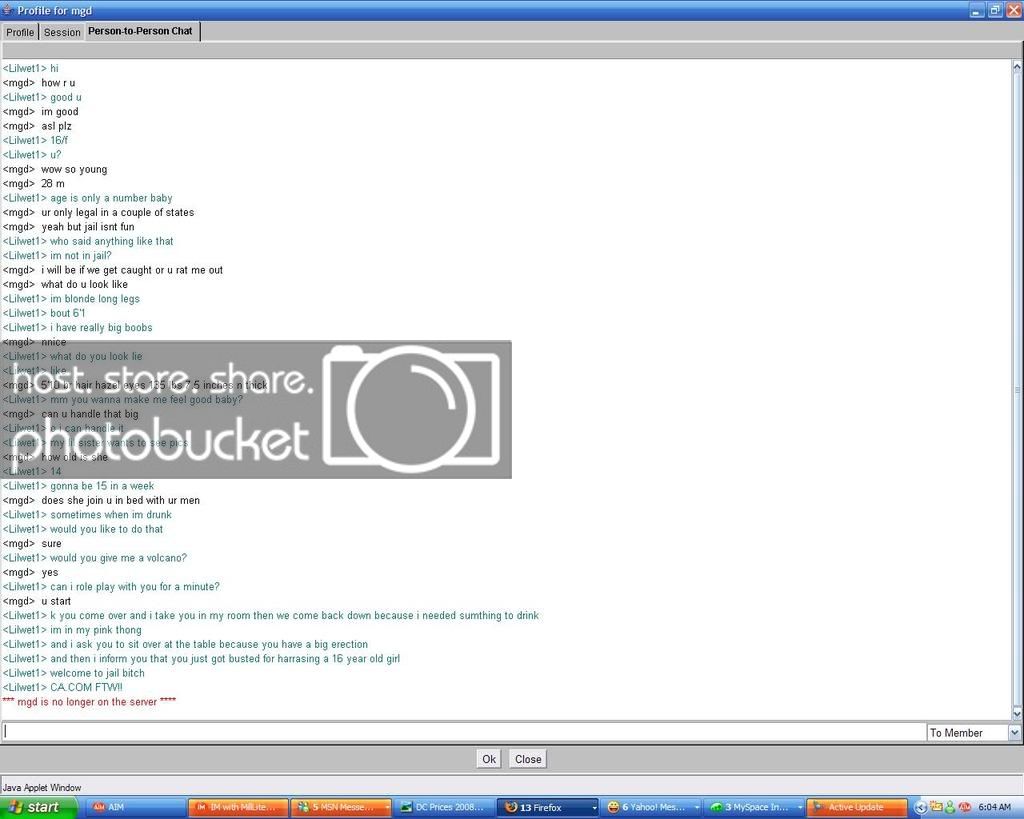


Lets Catch A Predator!

get the view you want to save on your screen. click print screen (next to f12) that basically saves a picture of what you see on your screen. go into paint or something and "paste" then save. host on photobucket and link here

 
untitled.jpg
//content.invisioncic.com/y282845/emoticons/laugh.gif.48439b2acf2cfca21620f01e7f77d1e4.gif:laugh://content.invisioncic.com/y282845/emoticons/laugh.gif.48439b2acf2cfca21620f01e7f77d1e4.gif:laugh://content.invisioncic.com/y282845/emoticons/laugh.gif.48439b2acf2cfca21620f01e7f77d1e4.gif:laugh://content.invisioncic.com/y282845/emoticons/laugh.gif.48439b2acf2cfca21620f01e7f77d1e4.gif

 
to print screen just click print screen on keyboard then go into MS paint and click paste. Then save it as a JPEG and upload it here

Sample

331py8j.jpg


Activity
No one is currently typing a reply...

About this thread

Meka

10+ year member
Prestons a *****
Thread starter
Meka
Joined
Location
Manhattan,KS
Start date
Participants
Who Replied
Replies
571
Views
25,931
Last reply date
Last reply from
90accordman
1778578257023.png

Glen Rodgers

    May 12, 2026
  • 0
  • 0
Screenshot_20260511_212804_Amazon Shopping.jpg

Blackout67

    May 11, 2026
  • 0
  • 0

New threads

Top