Ok I'm on my 3rd Double Din install in my 2010 Charger. My first double din I had a buddy help me because I haven't installed a Radio since high school. (15yrs ago)The double din was a motorized 7in touch screen from BOSS. Well since the screen moved the bezel opening needed opening. So he broke out a belt sander and went to town. It wasn't a super clean cut and looked hacked. Never was too happy with it, but I paid for a basic radio install and it ended up far from a basic install. The BOSS Double Din also stuck out 1/2in. Which wasn't pleasing to the eye. So I started looking for a non-motorized screen and that's when I found the OttaNavi unit. The OttaNavi was overall larger then a normal Double Din. Since the bezel was already hacked up. It went it just fine. Yet again not 100% happy with the turn out.
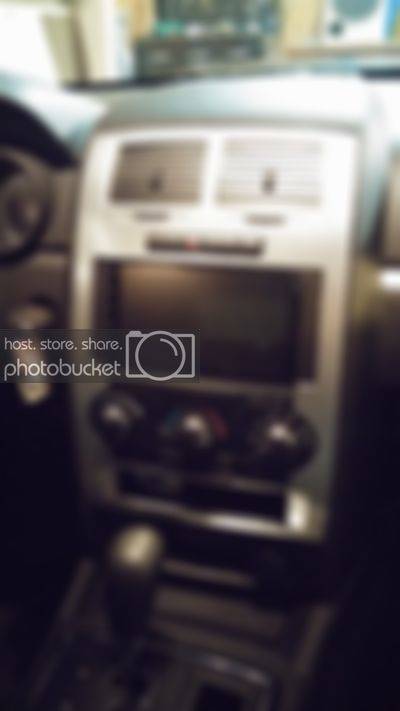
First Double Din install. Notice how much was cut and how much really didn't need it. Also the distance the radio actually sticks out.
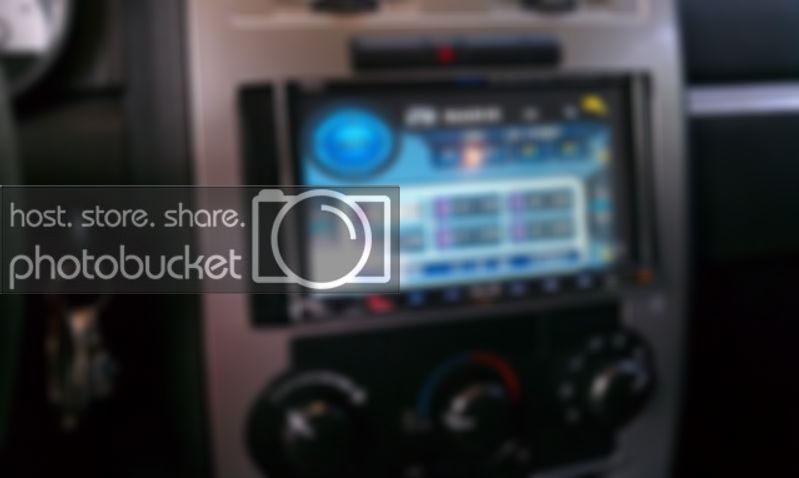
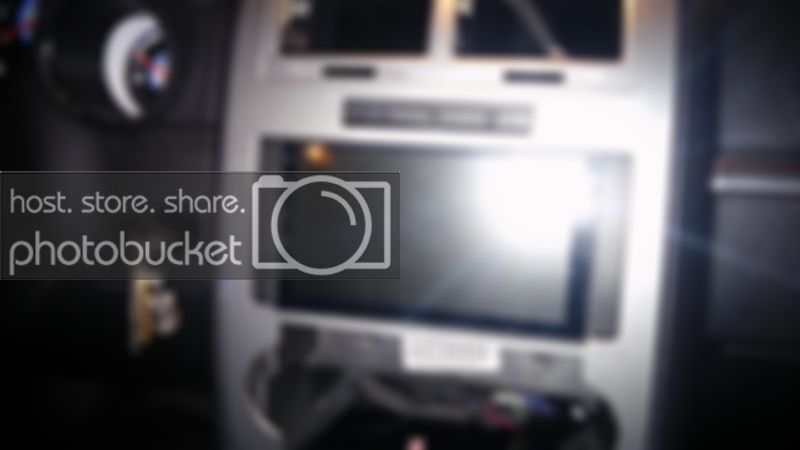
My last OttaNavi unit installed. Notice the Gaps all around the unit and double din kit. Also notice how thin the bezel material is between hazards and radio.
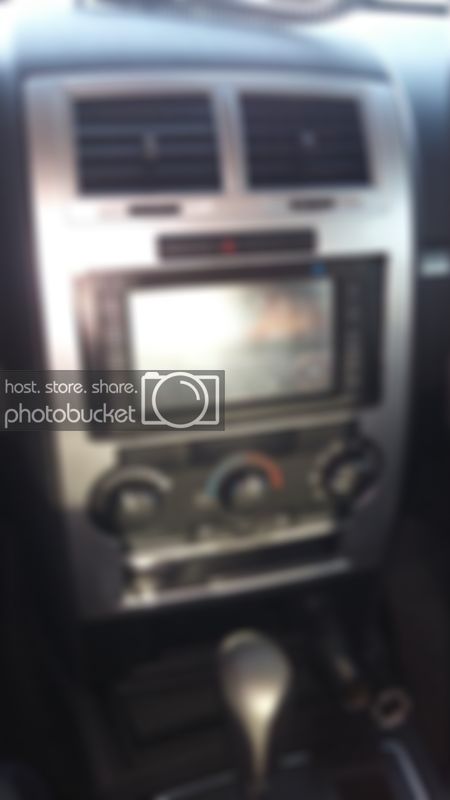
So I started with another new Double Din Radio (Avinusa.com), new bezel and new Double Din Adapter. Figured I would start from scratch and try to do it better.
What I learned from the last installs mistakes and how I addressed them.
Cutting the bezel to fit a larger Screen: I didn't want to fiberglass and repaint anything. Didn't want to tackle such a large project right now. So I wanted a simpler install. First I figured how I wanted to cut it. Last bezel was cut on top and bottom and the full width of the opening. So I had gaps in top and bottom by the adapters. Also the bezel got super thin between the radio and hazard switches. So I went with just cutting on the bottom of the opening and just cutting with width of the radio. Which resulted in a much tighter fit and no gaps.
Not all Double Din Adapters are the same. I didn't know this until I ordered a new one for this install. They all look very much the same. The top names for these installs are Metra and Scosche kits. However they are lacking one big feature. The CLIP Mounts. Without them the bezel won't sit snug against the dash well. The Xscorpion brand has the clip mounts and holes for the pegs that are also on the bezel. The Xscorpion also has a better lip around it. That fills in the gaps for a better looking install. I also think it overall fits the look better. It's more squared off and flat looking compared to the others. So I recommend the Xscorpion kit. They can be found on E-Bay and Amazon pretty cheap. ($10)
First two pictures are the Metra then Scosche Kits.
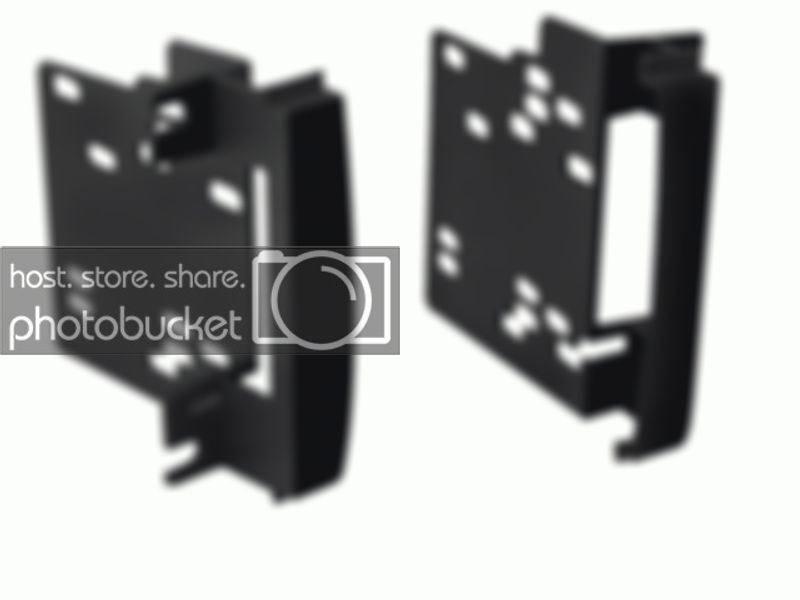
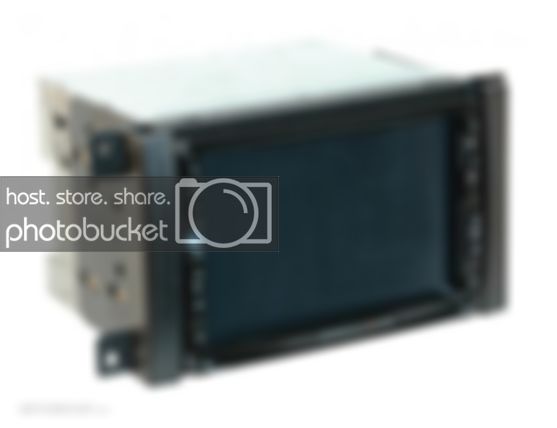
and now the Xscorpion kit. Noticed square holes/clip mounts on the sides.
Wiring Harness. Metra 70-6522 is what I needed for mine. 2010 SE Model with 4 speakers and no steering wheel controls. ($8)
Ok so my new Double Din was not only Taller and Wider then my previous Double Dins. So I had to finesse it a little. The Xscorpion Kit needed to be narrowed up and the underneath lip needed to be notched to sit flush with the radio. My Metra kit needed that same notch.
Here is the Notch I had to put in the kit. I used a Dremel with a sanding drum.
First Double Din install. Notice how much was cut and how much really didn't need it. Also the distance the radio actually sticks out.
My last OttaNavi unit installed. Notice the Gaps all around the unit and double din kit. Also notice how thin the bezel material is between hazards and radio.
So I started with another new Double Din Radio (Avinusa.com), new bezel and new Double Din Adapter. Figured I would start from scratch and try to do it better.
What I learned from the last installs mistakes and how I addressed them.
Cutting the bezel to fit a larger Screen: I didn't want to fiberglass and repaint anything. Didn't want to tackle such a large project right now. So I wanted a simpler install. First I figured how I wanted to cut it. Last bezel was cut on top and bottom and the full width of the opening. So I had gaps in top and bottom by the adapters. Also the bezel got super thin between the radio and hazard switches. So I went with just cutting on the bottom of the opening and just cutting with width of the radio. Which resulted in a much tighter fit and no gaps.
Not all Double Din Adapters are the same. I didn't know this until I ordered a new one for this install. They all look very much the same. The top names for these installs are Metra and Scosche kits. However they are lacking one big feature. The CLIP Mounts. Without them the bezel won't sit snug against the dash well. The Xscorpion brand has the clip mounts and holes for the pegs that are also on the bezel. The Xscorpion also has a better lip around it. That fills in the gaps for a better looking install. I also think it overall fits the look better. It's more squared off and flat looking compared to the others. So I recommend the Xscorpion kit. They can be found on E-Bay and Amazon pretty cheap. ($10)
First two pictures are the Metra then Scosche Kits.
and now the Xscorpion kit. Noticed square holes/clip mounts on the sides.
Wiring Harness. Metra 70-6522 is what I needed for mine. 2010 SE Model with 4 speakers and no steering wheel controls. ($8)
Ok so my new Double Din was not only Taller and Wider then my previous Double Dins. So I had to finesse it a little. The Xscorpion Kit needed to be narrowed up and the underneath lip needed to be notched to sit flush with the radio. My Metra kit needed that same notch.
Here is the Notch I had to put in the kit. I used a Dremel with a sanding drum.